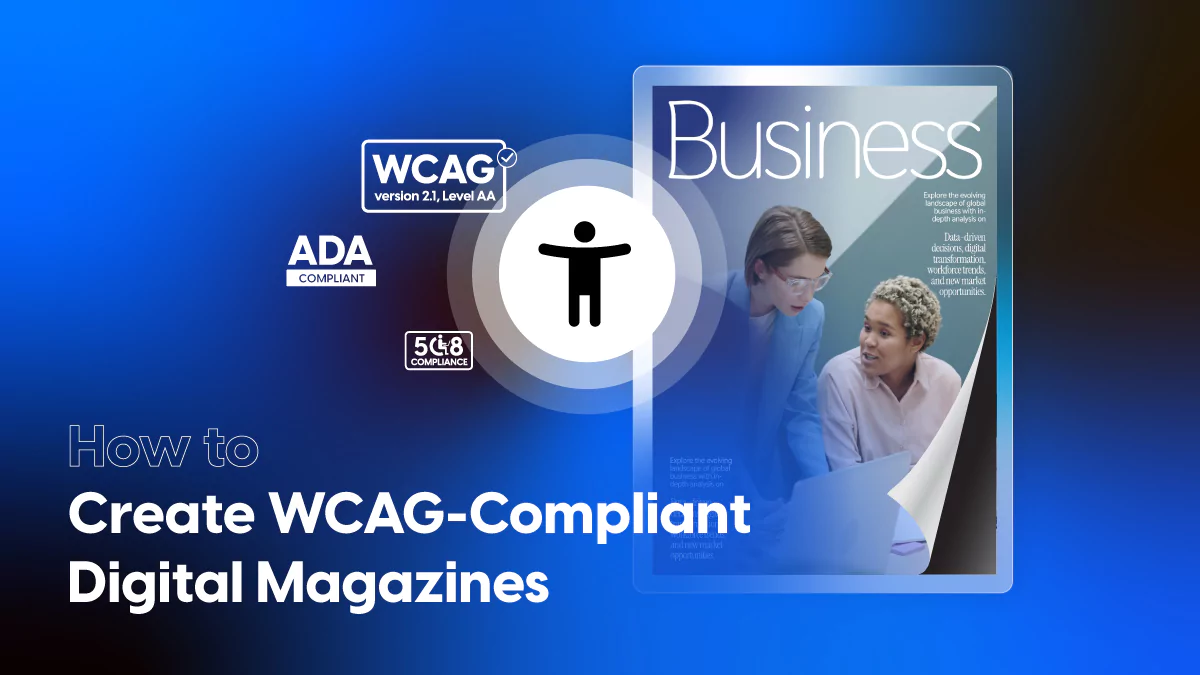
How to Create Accessible Digital Magazines: A Guide to WCAG-Compliant Accessible Magazines
Published on: July 29, 2025
Last update: January 14, 2026
Over 4,500 digital accessibility lawsuits were filed in the U.S. in 2024. This is a 14% increase from the year before. Magazine publishers face high legal risks if they exclude readers with disabilities.
Most accessible digital magazines are built to be visual. This can create barriers for people with sight, hearing, or motor impairments. In the past, tools made it hard to design for everyone. Teams often lacked the time or support to fix these issues.
There is a better way. Modern platforms now let you build accessible magazines that look great and work for everyone. This guide shows you how to do it. You will learn the legal rules and the simple steps to take.
Flipsnack saw this challenge early. They knew that accessibility should not be an afterthought. They built tools that make it part of the normal work flow. These tools are easy to use, even if you do not have a tech background. By the end of this guide, you will know how to publish accessible digital magazines that every reader can enjoy.
Table of contents
- Why accessible digital magazines matter
- Common accessibility barriers in digital magazines
- Best practices for accessible digital magazine design that is WCAG-Compliant
- How Flipsnack helps you create accessible magazines
- Three ways to use accessibility in Flipsnack
- Start with ready-to-use accessible magazine templates
- Your first accessible magazine starts here
Why accessible digital magazines matter
1. Reach more people
Over 1 billion people worldwide have a disability. In the U.S., 1 in 4 adults lives with some form of impairment. Making accessible magazines helps you reach this large group. It also shows that your brand values everyone.
2. Improve search rankings
Search engines find it easier to read accessible digital magazines. When you use clear text, image tags, and logical headings, your SEO improves. This leads to more organic traffic for your site.
3. Better user experience
Features like alt text and easy fonts help everyone, not just those with disabilities. They make your content easier to use and read on all devices. This builds trust and keeps readers coming back.
4. Lower legal risk
Recent lawsuits against publishers like Condé Nast and Hearst show the risks of inaccessible content. New rules like the European Accessibility Act and ADA updates have strict deadlines. Missing alt text or using unreadable PDFs can lead to legal action.
Common accessibility barriers in digital magazines
To create better accessible magazines, you must first find what is broken. Look for these common issues:
- Images that lack alt text descriptions.
- Articles stuck in scanned PDFs that screen readers cannot “read.”
- Flashy animations that may cause seizures.
- Pages that only work with a mouse.
- Low color contrast or fonts that are too small.
What WCAG 2.1 AA Compliance means for magazines
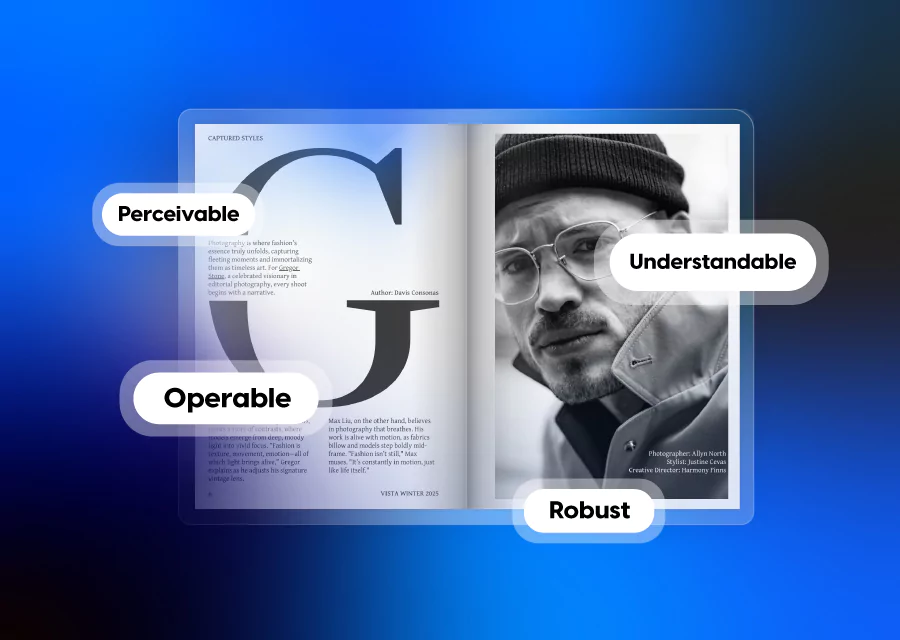
The Web Content Accessibility Guidelines (WCAG) define standards that help digital content work for users with disabilities. Key principles include:
Perceivable
- Add alt text to all non-text elements, including cover images
- Use a color contrast of at least 4.5:1 for text
- Caption all video/audio content
- Provide transcripts for audio-only content
Operable
- Ensure all features are keyboard accessible
- Avoid auto-play on media
- Provide clear visual focus indicators
Understandable
- Use a consistent navigation structure
- Implement a logical heading hierarchy (H1–H3)
- Label buttons and polls clearly
Robust
- Use HTML and ARIA roles to structure content semantically
- Test using screen readers like NVDA and VoiceOver
- Ensure the layout adapts to different screen sizes
Best practices for accessible digital magazine design that is WCAG-Compliant
Follow these steps to meet WCAG 2.1 AA standards:
1. Use a clear structure
Use HTML tags like H1 and H2 to group your content. This helps screen readers follow the flow of your story. Do not just use bold text for headings; use real tags so the tech can find them.
2. Make media easy to use
Add short text descriptions (alt text) to every image. If you have video, add captions. If you have audio, provide a text transcript. This makes your accessible digital magazines truly inclusive.
3. Choose the right colors and fonts
Check your color contrast. Text should be easy to see against the background. Aim for a contrast of at least 4.5:1. Use simple fonts and let users zoom in to read more easily.
4. Build for keyboard use
Some readers do not use a mouse. Ensure they can use the “Tab” key to move through your magazine. This is a key part of making accessible magazines.
5. Test and improve
Do not just guess. Use real tools and ask users with disabilities to test your content. This helps you find and fix errors fast.
Here is a digital magazine example with the accessibility feature applied, so you can test it out yourself:
How Flipsnack helps you create accessible magazines
Flipsnack integrates accessibility into your magazine publishing workflow. It’s built to support compliance with ADA and WCAG standards. Whether you create lifestyle features, branded reports, or data-rich editorials, Flipsnack helps make your content usable for everyone.
What is going to help you?
- Accessibility toolbar: Let readers turn on screen reader support with one click.
- Smart HTML: Code that works perfectly with assistive tech.
- Full keyboard support: Easy navigation without a mouse.
- High-contrast modes: Makes reading easier for people with low vision.
Three ways to use accessibility in Flipsnack
Flipsnack integrates accessibility directly into your publishing workflow. Built for compliance with ADA and WCAG standards, it empowers teams to create inclusive, high-quality content. Whether you’re designing digital magazines for customers, internal teams, or partners, Flipsnack ensures your publications can be easily navigated and understood by all users, including those using assistive technologies.
1. Generate AI summaries
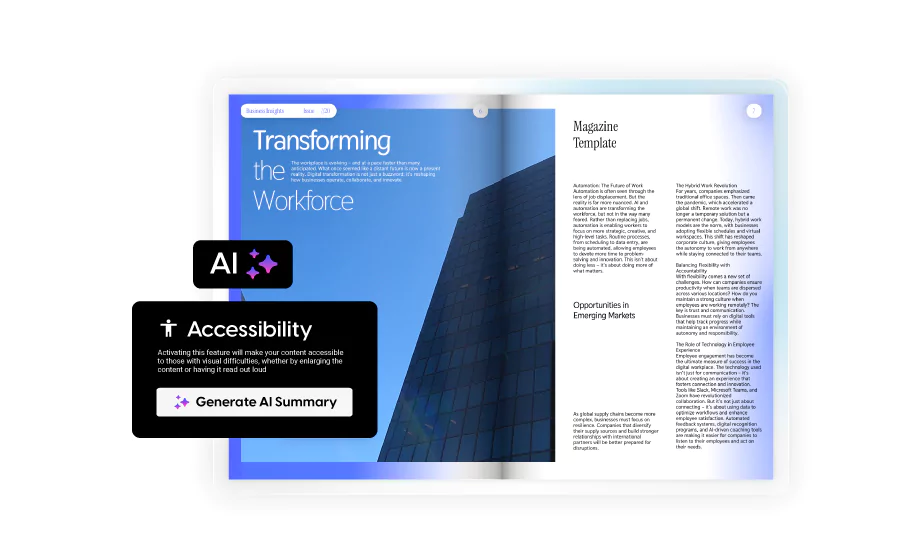
In the Accessibility tab of the Design Studio, you can select Generate AI Summary. This tool scans your flipbook and auto-generates plain-text descriptions for each page. These summaries enhance readability for screen readers and help users who rely on alternative text formats. You can easily review, edit, or rewrite the descriptions using the Manage content button to ensure clarity and relevance.
2. Extract Flipbook text
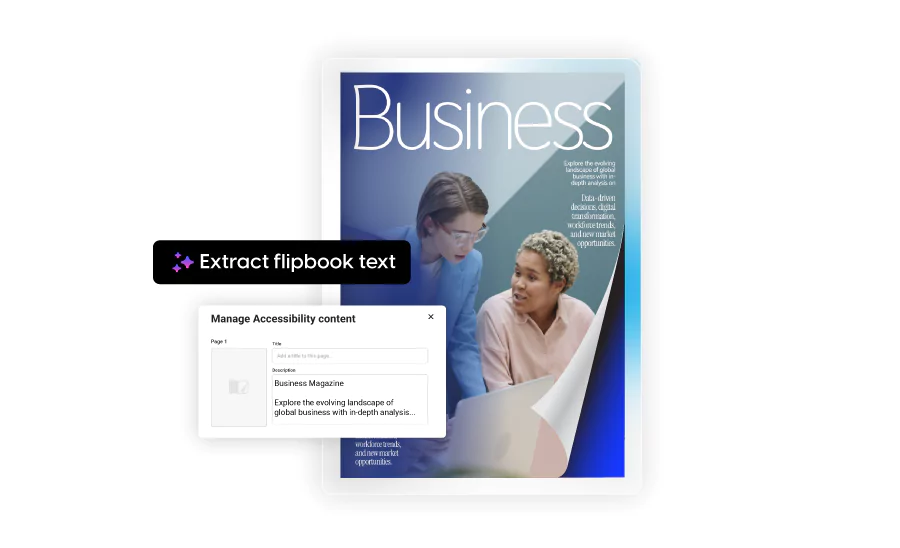
The Extract text option in the Accessibility panel pulls visible text directly from your flipbook into the Accessibility tab. This ensures a one-to-one content match between your design and the screen-readable version. It significantly speeds up your compliance process and reduces manual effort, while preserving consistency and improving accessibility for all users.
3. Embed accessibility into your workflow
Accessibility isn’t a one-time task; it’s a collaborative, ongoing process. Flipsnack supports this with built-in workflow tools that help your team stay aligned and compliant.
Use comment threads and tagging to assign accessibility-related feedback to designers, editors, or compliance leads. Version tracking ensures changes are properly documented, creating a transparent audit trail in case of legal or organizational reviews.
Flipsnack also provides reader behavior analytics, including how users navigate with keyboards or screen readers. These insights help you identify what’s working, what needs improvement, and how to evolve your accessibility strategy over time. With these tools, accessibility becomes a repeatable, measurable, and team-driven part of every publication.
Start with ready-to-use accessible magazine templates
You do not have to start from scratch. Flipsnack offers templates for accessible digital magazines that are already optimized.
Accessible life & style weekly magazine template

This template is perfect for lifestyle and entertainment publications. It features clean contrast, large legible fonts, and logical reading order. Designed for a relaxed but polished visual experience, it suits publishers focused on fashion, culture, and human interest stories.
Accessible engaging business magazine template
Structured for business professionals and corporate content. This template emphasizes clarity with bold headers, accessible navigation, and data-friendly formatting. Perfect for industry updates, leadership insights, or company news issues.
Built for editorial teams and storytellers, this bold layout supports video embeds, layered content, and strong visual hierarchy. Optimized for accessibility, it includes defined sections, caption-ready media spaces, and intuitive interactivity.
Accessible impactful digital magazine template
Built for editorial teams and storytellers, this bold layout supports video embeds, layered content, and strong visual hierarchy. Optimized for accessibility, it includes defined sections, caption-ready media spaces, and intuitive interactivity.
Accessible design is smart business. It reaches more users, meets legal rules, and improves your reputation. With the right tools, accessible magazines are simple to build. There’s nothing wrong with APA style formatting or other formats, like MLA citation style – it’s clean and clear, helping the reader find the information they are looking for. However, it might be a little too stiff for a magazine.
Your first accessible magazine starts here
Creating accessible digital magazines is a smart move. it protects your brand and gives every reader a great experience. With Flipsnack, you get the tools, templates, and AI support to meet all standards without losing your creative style.
You do not need to code. You do not need extra plugins. Accessibility is built-in. Start now and publish accessible magazines that everyone can enjoy.