Best Pitch Deck Software in 2026: 10 Tools Compared
Last updated: September 25, 2026
Pitch deck software has never been cheaper or more capable, and choosing between the options has never taken longer. Gamma turns bullet points into a draft in ninety seconds. Canva offers more than 250,000 templates. Somewhere inside that abundance sits the pitch deck you actually have to send, and deciding how to build it swallows weeks that belong to the story.
The overthinking makes sense. A randomized study of nearly 35,000 investors found that stronger visual design increased time spent with a deck by 35%, matching the lift from stronger content. Only content raised the likelihood of investment. Design buys attention, substance closes, and nobody wants to look amateur while finding out which.
Four things genuinely separate these platforms: price, best fit, what you learn after sending and the trade-off each one asks you to accept. Ten tools are compared below on all four, from slide editors to a flipbook maker.

Table of contents
- What is pitch deck software?
- Which pitch deck software should you use?
- How we compared the tools
- Why pitch deck software matters more than a template ever did
- The 10 best pitch deck software tools
- 1. Flipsnack, best for interactive decks you can measure
- 2. Gamma, best for a first draft from rough notes
- 3. Canva, best for non-designers who need polish fast
- 4. Google Slides, best for co-founders editing daily
- 5. Microsoft PowerPoint, best for Series A exports and deep control
- 6. Beautiful.ai, best for anyone who fights alignment
- 7. Slidebean, best for first-timers needing structure
- 8. Pitch, best for remote teams presenting together
- 9. Visme, best for decks plus one-pagers and charts
- 10. Figma Slides, best for teams already living in Figma
- What happens to your pitch deck after you send it
- Start with pitch deck software built for sharing
- FAQs about pitch decks
What is pitch deck software?
Pitch deck software is a category of presentation tool used to create, brand, share and sometimes track investor or sales decks and measure how recipients engage with them. Depending on the platform, it may combine templates, AI drafting, automated layouts, collaboration, access controls and viewer analytics.
The products differ mainly in which part of the workflow they improve. Some accelerate the first draft, others provide detailed design and brand control, and a smaller group focuses on distribution and engagement after the deck is sent. Many platforms now cover more than one stage.
Which pitch deck software should you use?
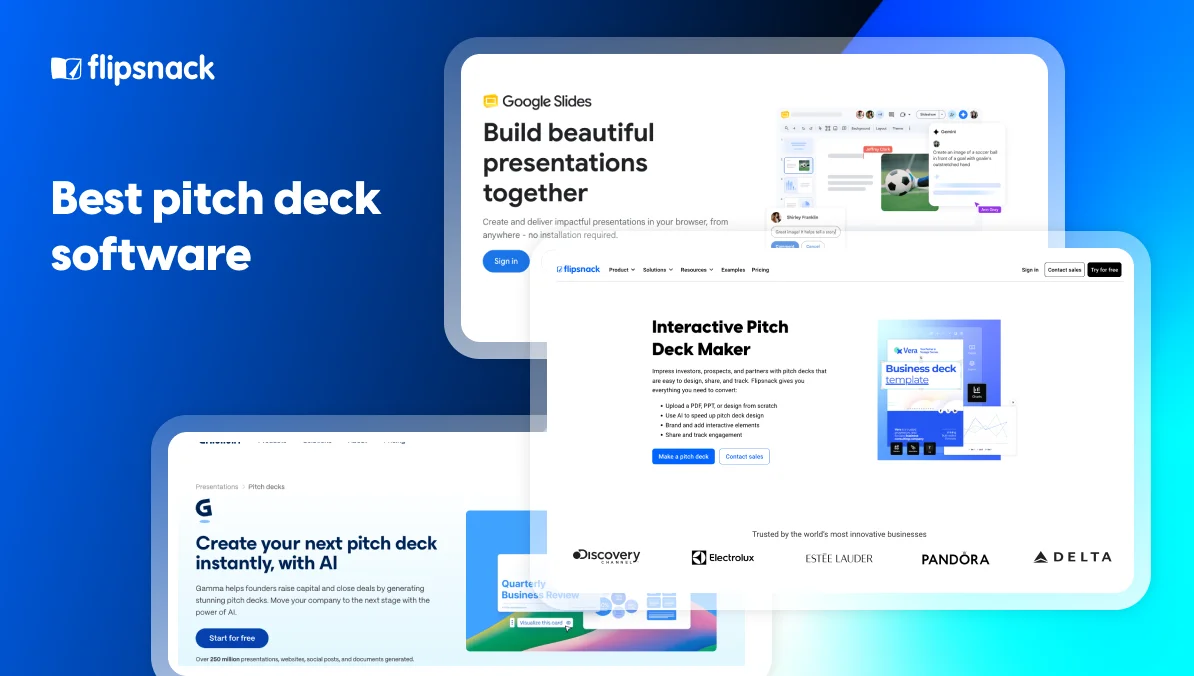
No single option wins outright. Gamma suits AI-first drafting, Canva template-led design, Google Slides frequent collaboration, PowerPoint familiar file handoffs and Flipsnack interactive, measurable decks shared by link. The table below compares all 10 tools on price, best fit, post-send insight and the main trade-off.
| Tool | Best for | Free plan | Paid plans from (annually) | Post-send insight | Main trade-off |
| Flipsnack | Interactive, measurable decks | Yes | $16/mo | Per-page | AI helps with visuals, not slide writing |
| Gamma | AI-first drafts | Yes | $9/mo | View counts | First draft needs a human edit pass |
| Canva | Template-led design | Yes | $15/mo | Per-page | Looks templated unless you customize |
| Google Slides | Collaborative editing | Yes | $7/user/mo | None | Design ceiling is low |
| PowerPoint | Detailed slide control | Web only | $7/user/mo | None | Hardest to learn of the classic slide tools |
| Beautiful.ai | Automatic alignment | No | $12/mo | None | Less free-form control |
| Slidebean | Fundraising structure | Yes | $7/mo | View counts | Exporting needs a paid plan |
| Pitch | Remote teams presenting | Yes | $13/mo | Per-slide | Analytics stay at view level |
| Visme | Decks plus other collateral | Yes | $12.25/mo | View counts | Breadth adds a learning curve |
| Figma Slides | Pixel-level design | Yes | $3/user/mo | None | Built for designers, not for speed |
Price separates these tools by a few dollars. What happens after you hit send divides them completely.
How we compared the tools
Ten platforms made the final comparison from roughly twenty considered, based on how often they appeared in current search results and pitch deck software roundups. Each was compared on price, post-send insight and practical trade-offs. Prices and plan limits were checked on vendors’ US pricing pages in September 2026 with annual billing selected.
Excluded: platforms without public pricing and tools whose free version or trial could not produce a complete deck. Because Flipsnack publishes this comparison, its limitations were assessed using the same criteria as every other tool.
Why pitch deck software matters more than a template ever did
A deck carries two jobs at once. Argument, and evidence that you can be trusted to run a company.
Storytelling does real work here. Research on brand connection suggests over 65% of people form emotional attachments to brands, which is why a narrative arc outperforms a features list even in front of analytical investors.
Consistency builds trust in the same quiet way. Mismatched fonts and three shades of your logo blue signal something about operational discipline, whether or not that signal is fair.
Then there’s arithmetic. Hiring a freelance designer for a fundraising deck frequently costs more per day than a year of most platforms listed above. Software wins on economics long before it wins on aesthetics.
The 10 best pitch deck software tools
1. Flipsnack, best for interactive decks you can measure
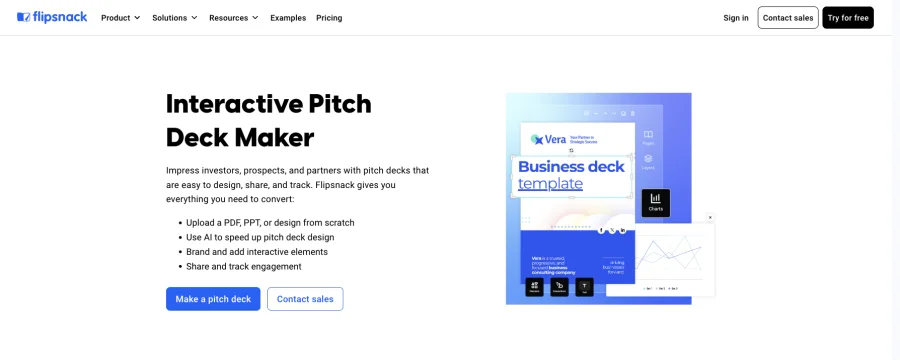
Flipsnack focuses on what happens after a pitch deck is finished. It publishes the deck as an interactive link that can be updated without resending and, on higher plans, shows how readers engage with individual pages.
What stands out:
- Updates after sending. Change the deck while keeping the same link, so every recipient sees the latest version.
- Interactive content. Pro supports video, slideshows, charts and lead-capture forms inside the deck.
- Page-level analytics. Pro shows time spent on individual pages and where readers stopped.
- Branded, controlled sharing. Business adds a custom domain, full reader branding, named-recipient sharing and expiring access.
What to consider:
- The strongest distribution features are plan-gated. Interactivity and analytics begin with Pro, while custom domains and private sharing require Business.
- AI does not generate a complete deck. It assists with individual elements, but the writing and structure remain template-led.
Pricing: Free; Starter $16/month; Pro $38/month; Business $85/month; Enterprise custom. Paid prices are based on annual billing.
Ratings: 4.7/5 on G2 from 413 reviews and 4.6/5 on Capterra from 310 reviews
2. Gamma, best for a first draft from rough notes
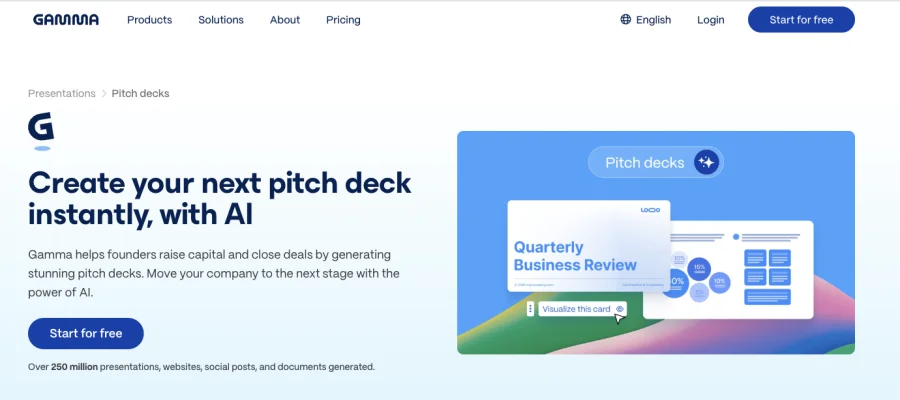
Gamma turns an outline, rough notes or an uploaded document into a structured presentation, solving the blank-page problem faster than a manual slide editor. The result works best as a starting point: Gamma handles the initial structure and design, while the argument, evidence and tone still need human review.
What stands out:
- Generation from existing material. Build a deck from bullet points, documents, web pages or imported presentations.
- Deck-wide restyling. Change the theme, colors and visual treatment without reformatting every slide.
- Prompt-based revisions. Rewrite content or regenerate individual slides instead of rebuilding them manually.
- Flexible exports. Export to PDF, PowerPoint, PNG or Google Slides, including from the free plan.
What to consider:
- The first draft still needs editing. Generated copy can sound generic, and important claims need checking before the deck reaches investors.
- Branding and analytics are plan-gated. Plus removes Gamma branding, while custom branding and detailed engagement analytics require Pro.
Pricing: Free with 400 one-time credits; Plus $9/month; Pro $18/month; Ultra $90/month. Paid prices use annual billing. Plus includes 1,000 monthly credits, Pro 4,000 and Ultra 20,000.
Ratings: 3.9/5 on G2 from 39 reviews and 3.8/5 on Capterra from 4 reviews
3. Canva, best for non-designers who need polish fast
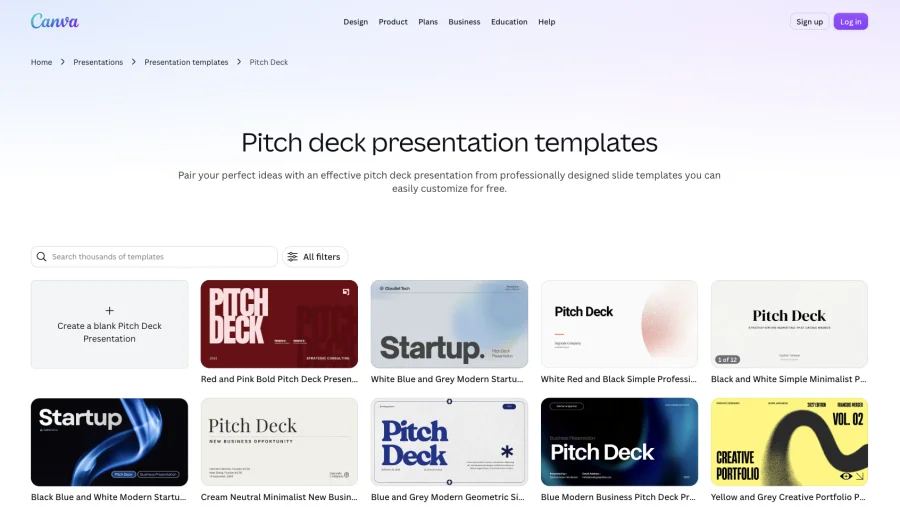
Canva earns its reputation through its template depth and accessible drag-and-drop editor. That combination makes it a familiar starting point for startups that need a polished deck without hiring a designer.
What stands out:
- A large template library. Canva covers most industries, visual styles and common pitch deck sections.
- Accessible editing. Drag-and-drop controls make it easy to adjust layouts, typography and visuals without design training.
- Brand consistency. Paid plans add Brand Kits for managing colors, fonts, logos and reusable branded assets.
- Flexible delivery. Present inside Canva, share a view-only link or export to formats including PDF and PowerPoint. Canva Pro also provides page-level design insights, including visits, time spent and viewer drop-off.
What to consider:
- Popular templates need customization. Without changes to typography, spacing and imagery, decks can retain a recognizable Canva look.
- Canva does not provide fundraising guidance. It helps design the slides, but founders must still determine the argument, evidence and order of the deck.
Pricing: Free; Pro $15/month ($180/year); Business $20.83/month per person ($250/year); Enterprise custom. Paid prices use annual billing.
Ratings: 4.7/5 on G2 from 7,706 reviews and 4.7/5 on Capterra from 13,450 reviews
4. Google Slides, best for co-founders editing daily
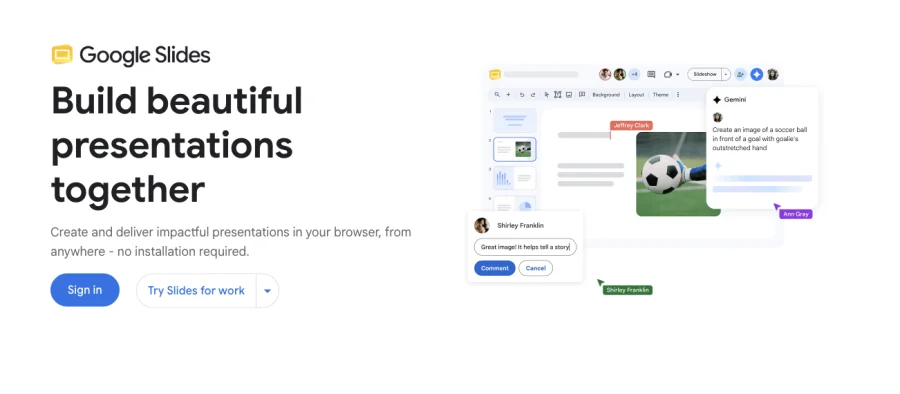
Fundraising decks change constantly. One founder rewrites the competition slide, an advisor leaves comments and the traction numbers change before the next meeting. Google Slides handles that cycle through live editing, autosave and version history, and connects with Google Drive so supporting files remain in the workspace the team already uses.
What stands out:
- Real-time collaboration. Multiple contributors can edit simultaneously, leave comments and assign follow-up actions.
- Detailed version history. Review earlier edits, identify who changed something and restore a previous version.
- Gemini-assisted drafting. On eligible Google Workspace or Google AI plans, Gemini can generate or edit individual slides and reference source files stored in Drive.
- A genuinely useful free version. Anyone with a personal Google account can create, collaborate on, present and export a complete deck.
What to consider:
- Advanced design requires more manual work. Its layout, typography and animation controls are less extensive than those in PowerPoint or dedicated design platforms.
- There are no public-link engagement analytics. Google Slides does not natively show how an external recipient moved through individual slides or where they stopped.
Pricing: Free for personal accounts; Business Starter $7/user/month; Business Standard $14/user/month; Business Plus $22/user/month; Enterprise custom. Paid prices use a one-year commitment. Gemini in Slides requires an eligible plan and is not included with Business Starter.
Ratings: Google Workspace has 4.6/5 on G2 from 48,207 reviews, while Google Slides has 4.6/5 on Capterra from 6,504 reviews
5. Microsoft PowerPoint, best for Series A exports and deep control
Partners and investors often circulate decks internally or copy slides into their own templates. PowerPoint’s native .pptx format makes those handoffs easier, while its detailed editing tools suit teams that need precise control over charts, layouts and financial data.
What stands out:
- Detailed slide control. Adjust layouts, typography, charts, animations and slide masters with more precision than most template-led tools allow.
- Reliable file handoffs. Native .pptx files are widely used by investors, advisors and corporate teams.
- Excel-linked data. Connect charts and tables to Excel so financial information can be updated without rebuilding each slide.
- Desktop and offline editing. Work on the complete deck without relying on a browser or internet connection.
What to consider:
- Precision takes time. The larger toolset brings a steeper learning curve and more manual formatting than Canva, Gamma or Google Slides.
- Compatibility is strong, but not flawless. Custom fonts, media and imported elements can still shift when a deck is opened on another device.
Pricing: Free web version; Microsoft 365 Business Basic $7/user/month for web and mobile apps; Business Standard $14/user/month with the desktop apps, based on annual billing. Microsoft 365 Personal costs $99.99/year, while standalone PowerPoint costs $179.99 as a one-time purchase.
Ratings: 4.6/5 on G2 from 4,398 reviews and 4.7/5 on Capterra from 20,886 reviews
6. Beautiful.ai, best for anyone who fights alignment
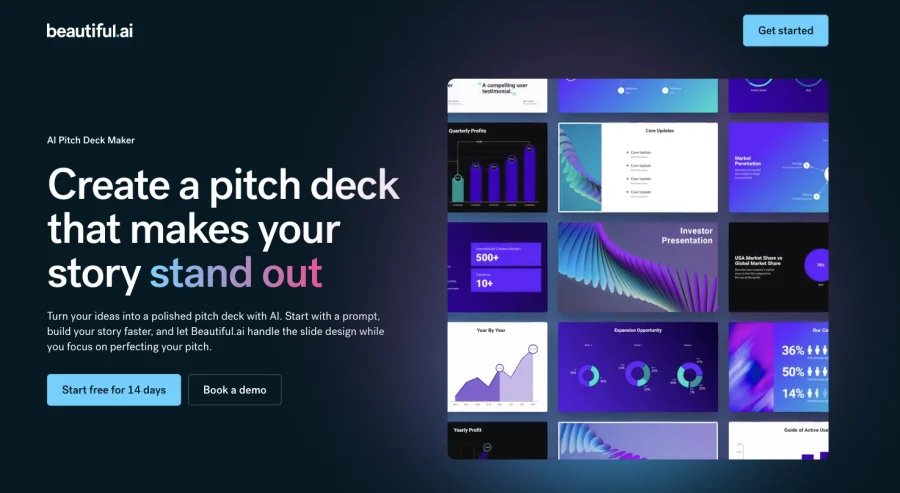
Beautiful.ai uses Smart Slides that adjust their layout as content changes. Instead of manually repositioning text boxes and images, users can build consistently formatted decks while the platform manages spacing, alignment and visual hierarchy.
What stands out:
- Responsive slide layouts. Smart Slides automatically reflow as text, images and data are added or removed.
- Built-in design rules. Layout constraints keep typography, spacing and hierarchy consistent across longer decks.
- Brand consistency. Custom themes control colors, fonts and logos, while Team plans add shared templates, slides and brand guardrails.
- AI-assisted creation. Generate a presentation from a prompt, rewrite content or produce individual visuals within the editor.
What to consider:
- Automatic layout limits free-form control. Precise positioning and unconventional designs can be harder to achieve than in PowerPoint or Figma Slides.
- PowerPoint exports need checking. Fonts, borders and positioning can sometimes shift after a deck is exported to .pptx.
Pricing: No permanent free plan; 14-day free trial; Pro $12/month annually or $45 for one month; Team $40/user/month annually or $50 monthly; Enterprise custom. The trial requires a credit card and converts to a paid subscription unless cancelled.
Ratings: 4.6/5 on G2 from 197 reviews and 4.2/5 on Capterra from 86 reviews
7. Slidebean, best for first-timers needing structure
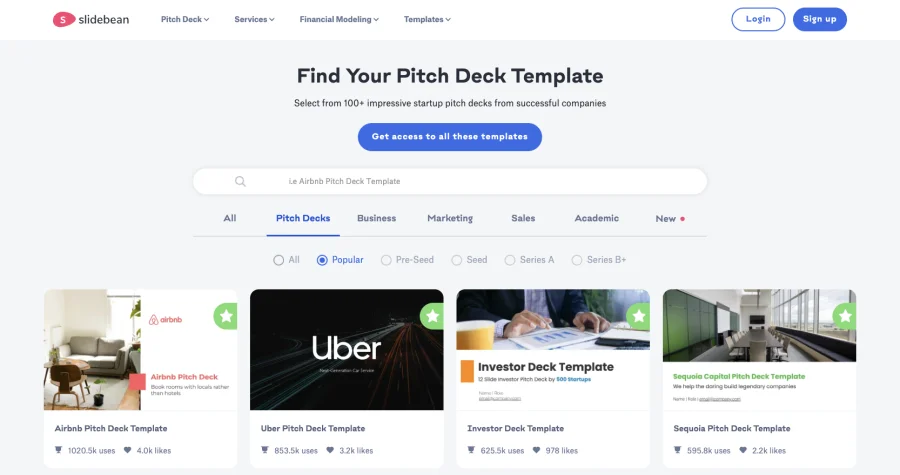
Slidebean is built around fundraising structure rather than unrestricted slide design. Its templates and guidance help founders organize the conventional pitch narrative, from the problem and solution to market size, traction, team and funding ask, while its design system handles the presentation.
What stands out:
- Fundraising-specific structure. Pitch deck templates show first-time founders what information belongs on each slide.
- Content and design stay separate. Founders can concentrate on the narrative while Slidebean formats the material.
- AI pitch deck tools. Generate a starting draft and receive automated reviews of an existing deck.
- Access to fundraising support. Accelerate includes recurring sessions with Slidebean’s pitch-deck and financial-modeling teams.
What to consider:
- The free account stops before distribution. You can create presentations without paying, but downloading or sharing them requires a subscription.
- Template structure limits design freedom. The guided layouts offer less control over positioning and visual experimentation than Canva, PowerPoint or Figma Slides.
Pricing: Free account with basic creation tools; Starter $7/month on annual billing; Accelerate $99/month. Accelerate is available on monthly billing only.
Ratings: 4.4/5 on G2 from 26 reviews and 4.2/5 on Capterra from 59 reviews
8. Pitch, best for remote teams presenting together
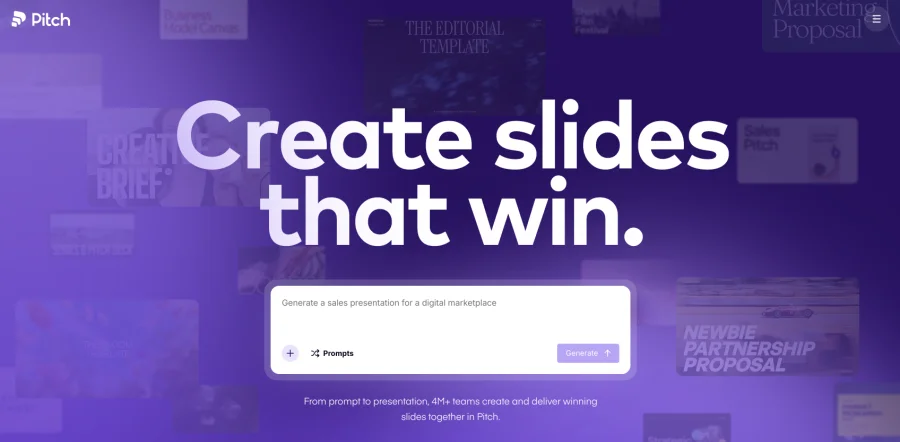
Pitch combines live collaboration, shared brand tools and flexible presentation modes in one workspace. Teams can build a deck together, present it with multiple speakers or add recorded narration for recipients to watch asynchronously.
What stands out:
- Real-time collaboration. Teammates can edit slides, leave comments, assign work and manage changes from the same workspace.
- Collaborative presenting. Multiple speakers can join the presentation and take control when their section begins.
- Recorded presentations. Add camera and microphone recordings across multiple slides for asynchronous pitches and updates.
- Page-level engagement analytics. Advanced links show visits, slides viewed and time spent on individual slides.
What to consider:
- Engagement analytics require Team or higher. Free and Plus users receive basic sharing links without detailed slide-level data.
- Team pricing scales with editors. Every member who can create or edit presentations occupies a paid seat, although commenters and guests are free.
Pricing: Free for up to five members; Plus $13/month for one user; Team $19/user/month; Business $25/user/month; Enterprise custom. Paid prices are based on annual billing.
Ratings: 4.4/5 on G2 from 67 reviews and 4.9/5 on Capterra from 31 reviews
9. Visme, best for decks plus one-pagers and charts
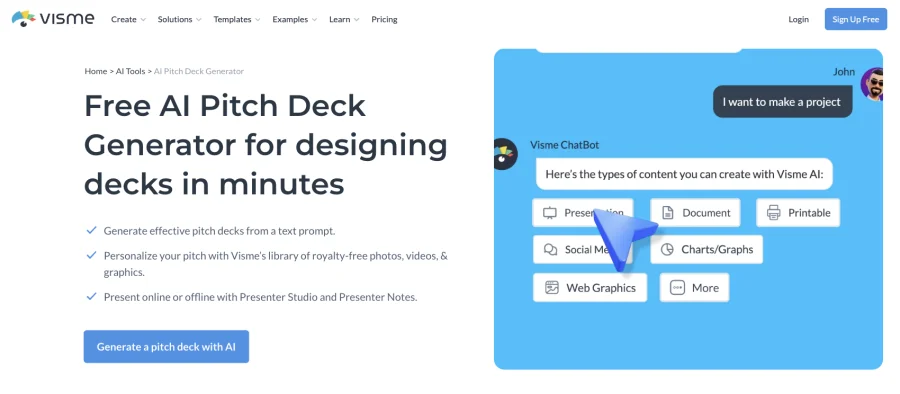
Fundraising rarely stops at slides. Market maps, competitive landscapes, one-pagers and investor reports all need to look consistent, and Visme brings those formats into the same visual-content workspace.
What stands out:
- Strong data visualization. Build charts, maps, diagrams and data widgets without moving the information into another design tool.
- Multiple content formats. Use the same platform for pitch decks, infographics, reports, one-pagers and social graphics.
- Interactive content. Add clickable hotspots, hover effects, pop-ups, video and audio to presentations shared online.
- Brand management. Pro includes a brand kit for keeping fonts, colors, logos and other assets consistent across projects.
What to consider:
- The breadth adds a learning curve. Visme includes many content types and editing tools, so its interface takes longer to learn than a presentation-only platform.
- Important deck features require Pro. Starter supports JPG, PNG and PDF downloads, but PowerPoint export, analytics, privacy controls and the brand kit begin at $24.75 per month.
Pricing: Basic free; Starter $12.25/month; Pro $24.75/month; Enterprise custom for 10 or more users. Paid prices are per person and based on annual billing.
Ratings: 4.5/5 on G2 from 510 reviews and 4.5/5 on Capterra from 719 reviews
10. Figma Slides, best for teams already living in Figma
Figma Slides brings Figma’s design controls and collaborative workflow into a presentation format. Product and design teams can reuse existing brand libraries, interface assets and prototypes instead of rebuilding them in a separate slide tool.
What stands out:
- Detailed design control. Adjust the position, appearance and behavior of individual elements without being restricted to fixed slide layouts.
- Direct asset reuse. Bring components, styles and other materials from existing Figma Design libraries into the deck.
- Interactive prototypes. Embed live product prototypes, polls and voting tools directly inside a presentation.
- Real-time collaboration. Teammates can edit together, leave comments and update presenter notes while someone else presents.
What to consider:
- The interface assumes some design familiarity. Layers, components and free-form editing create a higher learning curve for non-designers than template-led tools.
- There are no recipient engagement analytics. Figma Slides supports link sharing, but it does not show which slides recipients viewed or how long they spent on them.
Pricing: Starter free; Professional Collab seat $3/user/month, based on annual billing. The Collab seat includes full access to Figma Slides.
Ratings: Figma Slides is not rated separately on either platform. The broader Figma platform has 4.7/5 on G2 from 1,590 reviews and 4.7/5 on Capterra from 877 reviews
What happens to your pitch deck after you send it
Creating the deck is only half the process. Once a PDF is attached to an email, several problems appear:
- The file becomes outdated. Correcting a figure or typo means sending another attachment while the original may continue circulating.
- Reader behavior stays hidden. A standard attachment does not reliably show which pages were viewed or where attention dropped.
- Access is difficult to control. You cannot easily expire the file or restrict it after it has been downloaded.
Some platforms provide basic view counts, while others offer slide-level or page-level engagement data. Flipsnack combines that measurement with interactive publishing and controlled sharing.
With a single trackable link, you can:
- Update the deck without changing its URL.
- Measure engagement with individual pages.
- Add video, charts and other interactive elements.
- Restrict access to named viewers.
- Set an expiration date or protect the deck with a password.
The trade-off is price. Page-level analytics begin with Pro at $38 per month, while private sharing and expiring links require Business. If you already create decks in Canva or PowerPoint and only need tracking, pairing your design tool with a dedicated sharing platform may cost less. Flipsnack makes more sense when you want creation, updating, distribution and measurement in one workflow.
Start with pitch deck software built for sharing
If your pitch deck needs to travel beyond the meeting room, Flipsnack keeps creation, distribution and follow-up in one workflow. Publish once, update the same link, measure page-level engagement and control access as conversations progress.
Start with a PDF, template or blank page and turn it into an interactive digital presentation with embedded media and tracking. This makes Flipsnack a practical solution for startups that want fewer handoffs and one current deck in circulation.
FAQs about pitch decks
Add something the reader can do besides scroll. Embedded video, a clickable demo or a short founder introduction keeps people on the page, and publishing through Flipsnack shows which pages held them. A randomized study of nearly 35,000 investors found stronger design raised time spent by 35%, though only stronger content raised the likelihood of investment.
Google Slides, with no meaningful restrictions. Canva, Flipsnack, Visme, Pitch and Gamma all have free plans too, usually limited on exports or watermarks. Flipsnack’s covers five publications up to fifteen pages, with Flipsnack branding on shared links.
Two to three hours from a template, once you know what each slide says. An AI generator gets you a rough draft in under two minutes; a blank canvas takes most of a day. Writing the argument takes longer than building the slides.
Not any more, though PowerPoint is still the safe choice for later-stage raises where partners forward slides internally. Earlier conversations increasingly run on links, which update without resending and report back on who read what.
Yes, if you customize past the template defaults. Investors recognize untouched Canva layouts instantly, so change the typography, spacing and color. What Canva cannot do is tell you who opened your deck, which is where publishing the finished PDF through Flipsnack adds a layer.