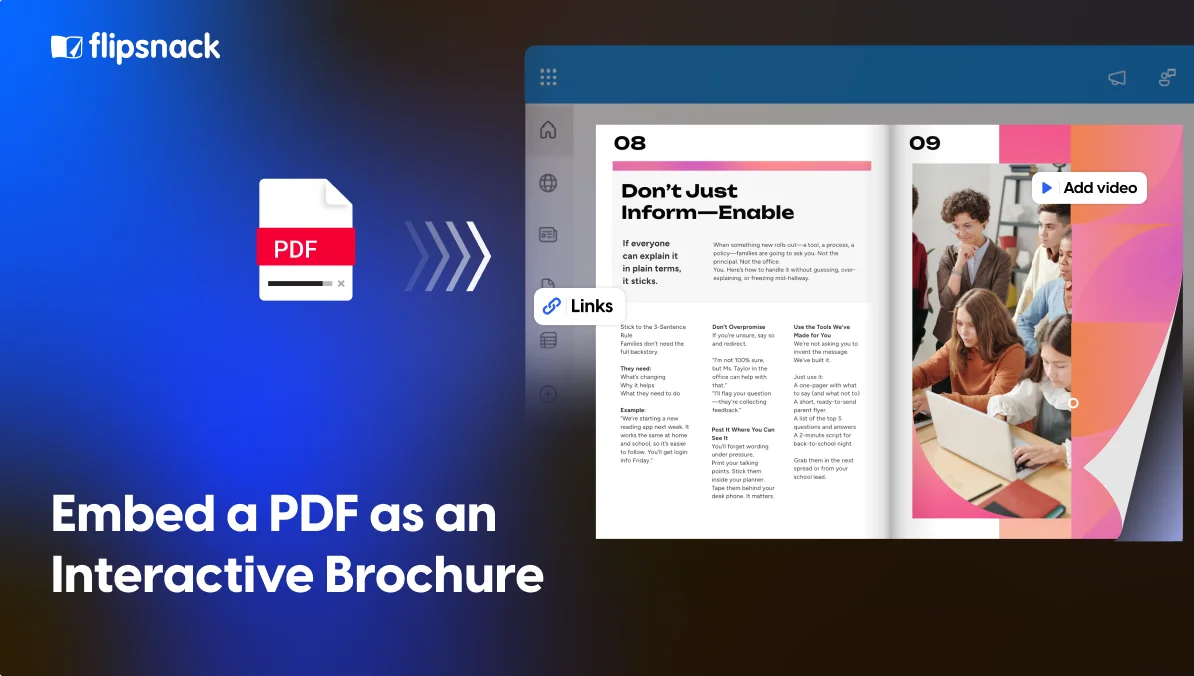
How to Embed a PDF as an Interactive Brochure
Published on: May 26, 2026
Every year, marketing and HR teams spend thousands of hours creating beautiful brochures, product catalogs, employee handbooks, and benefits guides, then export them as PDFs and wonder why engagement flatlines. The problem isn’t the content. It’s the format.
A PDF was designed in 1993 to replicate print on screen. It does that brilliantly. But your buyers, prospects, and employees are not living in 1993. They’re on mobile devices, skimming content in browsers, and expecting interactive, digital-native experiences. A file that requires a download, opens in a separate app, and pinch-zooms awkwardly on mobile creates friction at every step, and friction kills conversions.
Consider what you lose with a PDF: there’s no clickable call-to-action embedded in page 3, no way to update pricing without resending, no analytics to know if anyone read past the cover, and no mobile-optimised layout that respects a 375px screen. You’ve produced a print artefact and dropped it into a digital world, when what you actually need is a flipbook maker built for exactly this shift.
What is an embeddable brochure?
An embeddable brochure is a digital publication that lives on the web and can be placed directly on any webpage using a simple embed code. Unlike a PDF, it opens instantly in the browser, works on any device, and can include interactive elements like clickable links, video, and lead capture forms.
Ways you can embed a brochure
There are two ways to embed a PDF brochure on a webpage. The quick way: drop an <iframe src=”yourfile.pdf”> or an <embed> tag into your HTML and call it done. The problem is that this approach relies on the visitor’s browser and OS having a PDF plugin installed, and increasingly, they don’t. On mobile, it fails outright more often than it works.
Even when it does render, you’re left with a static document sitting inside a box on your page. No analytics. No interactivity. No way to add a CTA or capture a lead. No control over how it looks across different screen sizes. It’s the digital equivalent of taping a printout to a wall, technically visible, functionally inert.
The second option is a proper embeddable viewer: one that converts the PDF into a web-native experience that works on every device, gives youreal engagement data, and lets you place interactive elements directly inside the content. That’s the difference Flipsnack makes. In practice, a PDF to flipbook converter handles this transformation without requiring you to rebuild the brochure from scratch.
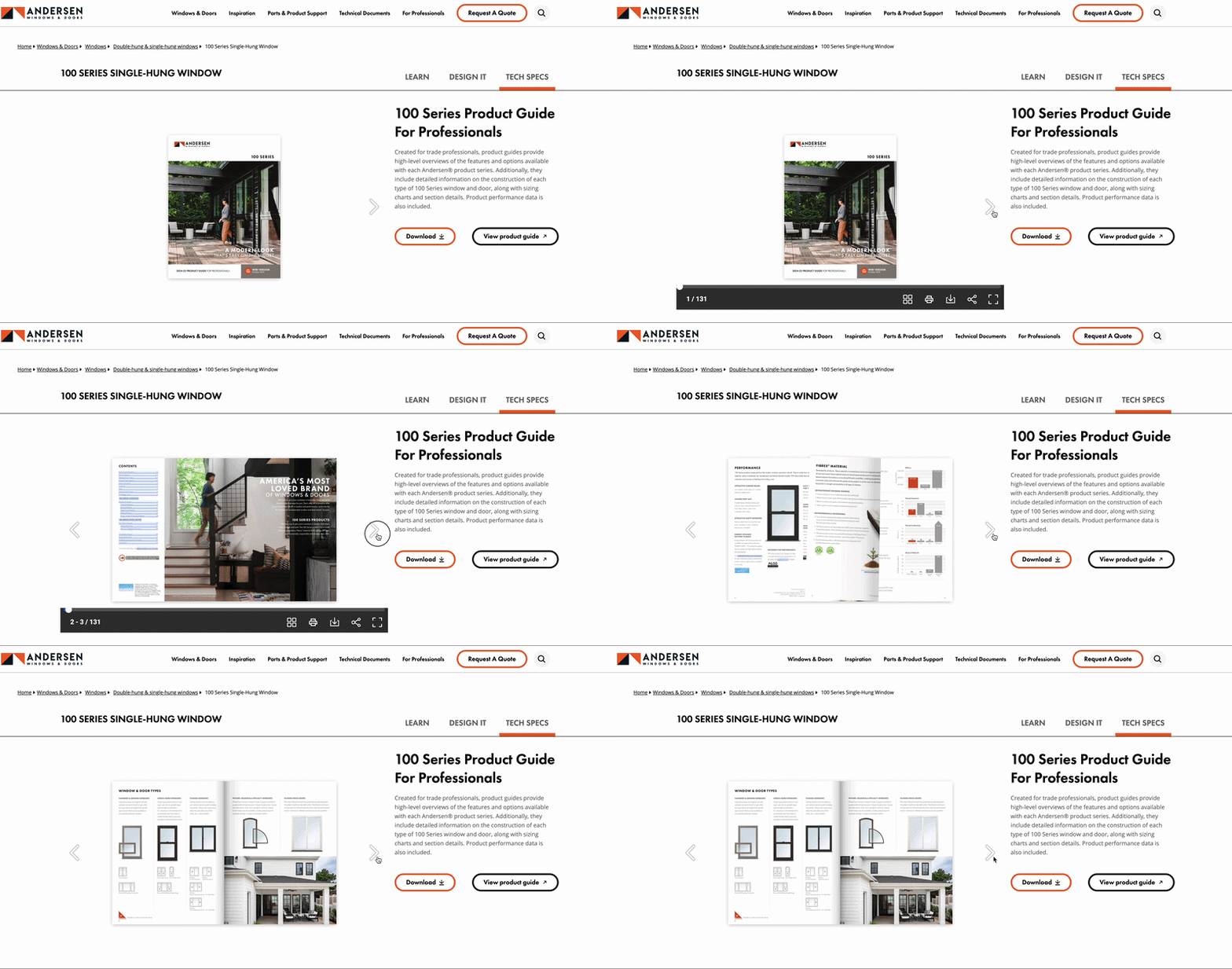
Static PDF vs embeddable brochure
| Feature | Static PDF | Embeddable brochure |
| Opens in browser | No | Yes |
| Mobile-friendly | No | Yes |
| Requires download | Yes | No |
| Clickable CTAs | No | Yes |
| Embedded video | No | Yes |
| Lead capture forms | No | Yes |
| Page-level analytics | No | Yes |
| Update after publishing | Resend file | Instant |
| Works without a plugin | No | Yes |
| Shareable as a link | No | Yes |
| Password protection | Basic | Advanced |
| SEO indexable | Limited | Yes |
| Embed on any website | Unreliable | Yes |
What Flipsnack adds on top of a basic embed
Flipsnack turns your PDF into a fully interactive, embeddable brochure publication, a flipbook with a real page-turn experience, that lives on the web and works on every device. The difference isn’t just technical. It’s the gap between a document your audience tolerates and one they actually engage with. Here’s what you get that a raw PDF embed never could:
- Mobile-first viewer — fully responsive, swipe and tap work natively on any screen size, no broken iframes or pinch-to-read columns
- Interactive elements on any page — clickable buttons, embedded video, product links, lead capture forms, and pop-up notes directly inside the content
- Page-level analytics — see which pages readers reach, how long they spend, where they drop off, and which links they click
- Live updates, one link — update your publication and every embedded instance reflects the change instantly, no resending attachments
- Privacy and access controls — password-protect publications, limit access by domain, set expiry dates, or keep them fully public
- One-click embed anywhere — copy a snippet and paste it into any website, WordPress, Webflow, HubSpot, or Notion, no developer required
- Lead capture inside the brochure — gate content with an email capture form mid-publication, or collect leads before the reader reaches page 1
- SEO-friendly publication URLs — every publication gets its own URL, content is indexable, shareable, and trackable, unlike a buried PDF
The result is a brochure your audience can find, open instantly, interact with, and act on, all without leaving their browser.
Real results: How Benifex replaced PDFs with embedded interactive brochures
Benifex builds software that helps organisations manage and communicate employee benefits. Their team was producing beautifully designed PDF benefits guides for clients’ employees — but the format was quietly working against them. Downloads were inconsistent across devices, there was no way to know if employees were actually reading the content, and every time pricing or scheme details changed, the team had to redistribute files from scratch.
They switched to Flipsnack and published their benefits guides as interactive, embeddable brochures instead. Employees could open them instantly in any browser, on any device, without downloading a thing. Clickable links inside the publication took readers directly to enrolment pages — removing the extra steps that were costing engagement. When content needed updating, one edit reflected everywhere immediately, with no re-sending, no version confusion.
Results of their embedded brochure made with Flipsnack:
- 3× longer average time spent reading benefits guides compared to PDF attachments
- 100% of employees could access content on mobile without downloading an app or plugin
- 0 files redistributed after content updates — all changes went live instantly across every active link
- 1 team managing all publications in-house, with no developer or agency involvement
Benifex’s experience is typical of what we see across industries: the content was already good. Flipsnack just made it accessible, trackable, and actionable.
How to embed your PDF brochure in 3 steps with Flipsnack
Whether you need to embed a PDF in HTML, embed a PDF in WordPress, or get it live on any website, Flipsnack makes the process identical regardless of platform:
1. Upload and edit your PDF in Flipsnack
Drag and drop your existing PDF. Flipsnack converts it into a page-by-page interactive publication automatically, preserving all your design, fonts, and imagery. From there, you can edit the content directly inside Flipsnack, update text, swap images, adjust layouts, or add new pages.
2. Enhance with interactive elements
Use the Flipsnack editor to add clickable links, embedded video, pop-up product details, or a lead capture form on any page. Your publication is ready to share as soon as the PDF is uploaded, but this is where the real conversion lift happens.
3. Embed with one snippet
Copy the embed code and paste it into your website, WordPress post, HubSpot landing page, Webflow site, or email campaign. Or share the direct link. Either way, your audience gets an instant, device-perfect reading experience.
Stop distributing documents. Start driving action
Your content deserves better than a downloads folder. Every brochure you publish is a chance to guide someone toward a decision, and that chance disappears the moment they have to download a file, pinch-zoom on mobile, or hunt for a link to click. Flipsnack closes that gap, turning documents you’ve already invested in into experiences that actually work.
FAQ about digital brochures
Can I turn my existing PDF into an embeddable brochure?
Yes. With Flipsnack, you upload your PDF, and it’s automatically converted into an interactive, embeddable publication no redesign needed. Your fonts, images, and layout are preserved exactly as they are.
How do I embed a PDF brochure on my website?
Upload your PDF to Flipsnack, then copy the embed code from your publication settings and paste it into your website, WordPress, Webflow, HubSpot, or any other platform that accepts HTML. The whole process takes under five minutes.
Does an embeddable brochure work on mobile?
Yes. Flipsnack publications are fully responsive; they adapt to any screen size automatically. Readers can swipe, tap, and zoom without any of the rendering issues that come with standard PDF embeds.
Can I update my brochure after publishing it?
Yes. Any changes you make in Flipsnack are reflected instantly across every link and embedded instance. There’s no need to resend files or update embed codes.
Can I see who read my brochure and how far they got?
Yes. Flipsnack gives you page-level analytics, so you can see which pages readers reached, how long they spent on each one, and which links they clicked.
Is an embeddable brochure better for SEO than a PDF?
Generally yes. Flipsnack publications have their own URLs that search engines can index, and the content is readable as standard web text. PDFs are harder for search engines to crawl and don’t benefit from the same signals as a properly structured web page.
Can I password-protect my embeddable brochure? Yes. Flipsnack lets you password-protect any publication, restrict access by domain, or set an expiry date, giving you full control over who sees your content and for how long.