How to Enhance PDFs With Rich Media for Better Engagement
Published on: July 3, 2025
Last updated: June 9, 2026
PDFs have long been the go-to format for sharing reports, presentations, catalogs, and brochures—but in many cases, they remain flat and uninspiring. Nowadays, audiences expect more than just static pages. They want interactivity, movement, and media that makes them stop and engage.
If you’re wondering how to enhance a PDF for engagement, you’re not alone. Professionals across marketing, HR, retail, and publishing are rethinking their approach to document sharing.
By integrating rich media like videos, high-quality images, clickable elements, and even QR codes, it’s possible to transform static document into a rich media PDF that captures attention and encourages interaction. Whether you’re building a sales pitch, digital catalog, or training manual, learning how to improve PDFs with multimedia can significantly boost reader attention, retention, and response.
In this guide, we’ll explore the strategies that turn flat documents into immersive experiences—focusing on how to create PDFs with video and images that feel less like files and more like digital stories.
Table of contents
- What does it mean to “enhance” a PDF?
- Why interactive PDFs outperform static ones
- Which documents benefit most from rich media?
- 6 ways to enhance PDFs with rich media
- Flipsnack in action: Captivate your audience and drive measurable results
- Case Study: How Benifex engaged 10,000+ leads with interactive PDFs
- Create PDFs people actually want to read
- Frequently asked questions
What does it mean to “enhance” a PDF?
To enhance a PDF for engagement means moving beyond text and static images to include elements that interact with your audience. It’s about transforming a traditional document into a rich media experience—one that doesn’t just inform but also engages, influences, and converts. For many teams, the practical step is to turn a PDF into a flipbook first, then layer in media and interactive elements where they support the reader.
When we talk about enhancement, we’re referring to features like:
- Embedded videos that demonstrate products, explain concepts, or tell stories.
- High-resolution images and galleries that bring visual interest and context.
- Clickable buttons, hyperlinks, and navigation elements that guide readers intuitively.
- Interactive forms and feedback fields that invite action.
- QR codes that connect print materials with digital experiences.
Whether you’re sending a company brochure or a digital product catalog, adding these layers of interactivity helps you make PDFs engaging and memorable. Enhanced PDFs aren’t just nicer to look at—they’re more effective. They invite interaction, keep readers on the page longer, and often lead to higher conversion rates.
The good news is that achieving all of this doesn’t require reinventing your workflow. Tools like Flipsnack make it easy to add interactivity without any coding or design background. It’s a scalable way to improve PDFs with multimedia and keep up with evolving content expectations—especially for brands that rely on digital storytelling.
Why interactive PDFs outperform static ones
Traditional PDFs have long been the standard for sharing documents like reports, brochures, and manuals. However, they have a fundamental problem: they ask nothing from the reader, and the reader returns the favor. With no prompts to click, explore, or interact, attention drifts quickly. When every piece of content competes for attention, a static PDF is easy to close and forget.
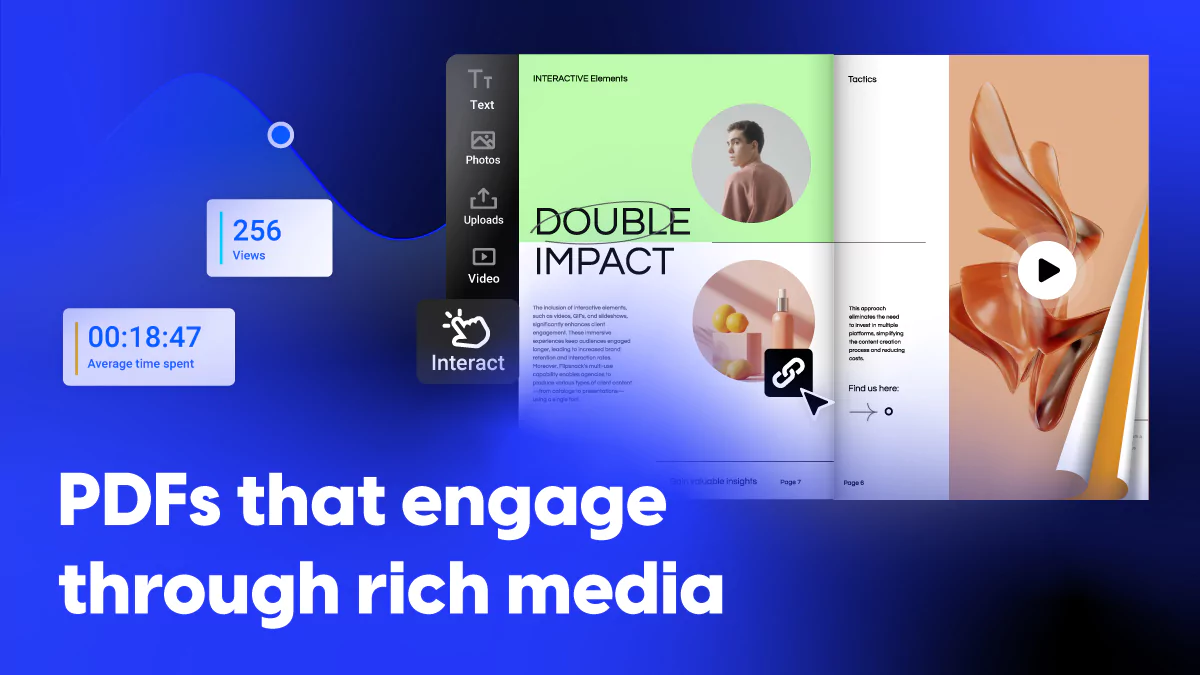
In contrast, interactive PDFs—or better yet, digital flipbooks—offer a more engaging and versatile experience. Platforms like Flipsnack transform static documents into interactive publications that can include videos, image galleries, clickable links, and more. These enhancements not only make the content more appealing but also more effective in conveying information and prompting user action.
Here’s what sets interactive PDFs apart from static ones:
- Richer content — videos, animations, and clickable links which make information more compelling and easier to retain
- Higher engagement — interactive elements improve understanding and drive readers to take action
- Full responsiveness — adapts to any screen, desktop, tablet, or mobile, with no zooming or scrolling
- Consistent experience — the content is easy to read and navigate regardless of the device
- Built-in analytics — tracks time spent, quiz responses, and completion rates
- Actionable insights — turns reader behavior into smarter, more effective content decisions.
| Features | Interactive PDFs | Static PDFs |
| Reader experience | Engaging | Passive |
| Content format | Video, audio, animations | Text and images only |
| Reader interaction | Clickable buttons, forms, quizzes, links | Limited to no interaction |
| Attention span | Encouraging longer reading | Easy to skim or even abandon |
| Mobile experience | Responsive and mobile friendly | Requires zooming and scrolling |
| Content updates | Dynamic content and easy sharing | Requires sending a new file |
| Analytics | Track views, time spent, quiz responses, completion rates | Limited with no visibility into reader behavior |
| Conversions | Supports CTAs, lead forms | Limited |
| Distribution | Direct links, embeds, email, QR codes, social sharing | Email attachments or downloads |
Which documents benefit most from rich media?
Multimedia PDFs work across document types, but some formats see an outsized impact:
- Product catalogs – Let customers explore products the way they would on a website, directly inside the document.
- Sales proposals – Video introductions and interactive pricing tables make proposals feel tailored and high-effort.
- Training materials – Audio walkthroughs, quizzes, and animated explainers improve retention and make self-paced learning far more effective than static decks.
- Annual reports – Data visualizations and embedded video messages from leadership transform a dense document into a compelling brand story.
- Event materials – Live schedule embeds, venue map links, and speaker video previews keep attendees informed and engaged before, during, and after the event.
6 ways to enhance PDFs with rich media
In a world flooded with content, visuals aren’t just nice to have—they’re essential/ visuals are a must. If your PDFs are still made up of only text and the occasional static image, you’re missing an opportunity to truly connect. Adding rich media to PDFs instantly transforms them from passive files into engaging, immersive experiences. And PDFs with video and images are non-negotiable in any business environment.
Here are six ways to enhance your PDFs with rich media where each one adds a layer of interactivity that keeps readers engaged and drives measurable results.
1. Embed videos
Humans process visuals 60,000 times faster than text, and video continues to outperform nearly every other media type in terms of retention and engagement. Placing a video to your PDF, like a product demo, explainer video, or motion graphic can tell a story that would otherwise take paragraphs.
With Flipsnack, you can insert YouTube or Vimeo links that play directly inside the page, or upload MP4 files with autoplay or loop options with zero coding experience.
2. Add audio
Audio brings a layer of depth that text can’t replicate. Whether it’s a voiceover walking readers through a report, background music setting the tone for a brand lookbook, or a recorded message from a company leader, embedded audio makes documents feel more personal and alive.
3. Create animations and AI living visuals
Static layouts fade into the background. Subtle animations, such as entrance effects, scroll-triggered motion, or AI living visuals draw the eye and give your documents a modern feel that holds attention longer.
4. Use high-quality imagery and galleries
Imagery gives your content clarity and emotion. Think of clean, high-resolution photos, clickable product galleries, or branded infographics. These break up long-form content but also reinforce ideas and create visual rhythm that encourages readers to stay engaged.
5. Add clickable buttons, links, and interactive forms
Creating a PDF with clickable buttons and links is one of the simplest ways to turn passive readers into active ones. Hyperlinks, embedded forms, and feedback fields invite action rather than passive consumption whether that’s visiting a product page or filling out a lead form.
6. Include quizzes and polls
For training materials, event content, or educational documents, quizzes and polls transform a one-way experience into a two-way conversation. They reinforce key messages, keep readers engaged, and give you valuable data on their interests.
Flipsnack in action: Captivate your audience and drive measurable results
Adding rich media to your PDFs doesn’t require design skills, coding knowledge, or a new workflow. With Flipsnack, you start by uploading your existing PDF, then use a drag-and-drop Design Studio to layer in videos, images, buttons, forms, and more to create more dynamic content.
Every element is added visually, customized to fit your layout, and ready to publish in minutes. The result is a document that looks and feels nothing like the file you started with.
Here is what you’ll have:
1. A professional responsive publication
Once you upload your PDF, it becomes a responsive, flip-style digital document with a professional presentation layer that’s optimized for web and mobile—ready to make an impression from the first page.
2. A richer experience for your audience
Your readers get video embeds, image galleries, clickable CTAs, lead capture forms, and pop-ups that draw attention to what matters most. Each element is customizable—position, size, behavior—and can be adjusted without needing design files or a developer’s help.
3. Full visibility on how it performs
Once published and distributed via direct links, embed codes, QR codes, or social media, you also gain access to engagement analytics that show page views, clicks, average time spent, and completion rates. This data gives you a clearer view of how your audience is interacting with your content—so you can optimize it over time.
4. Multiple ways to get in front of your audience
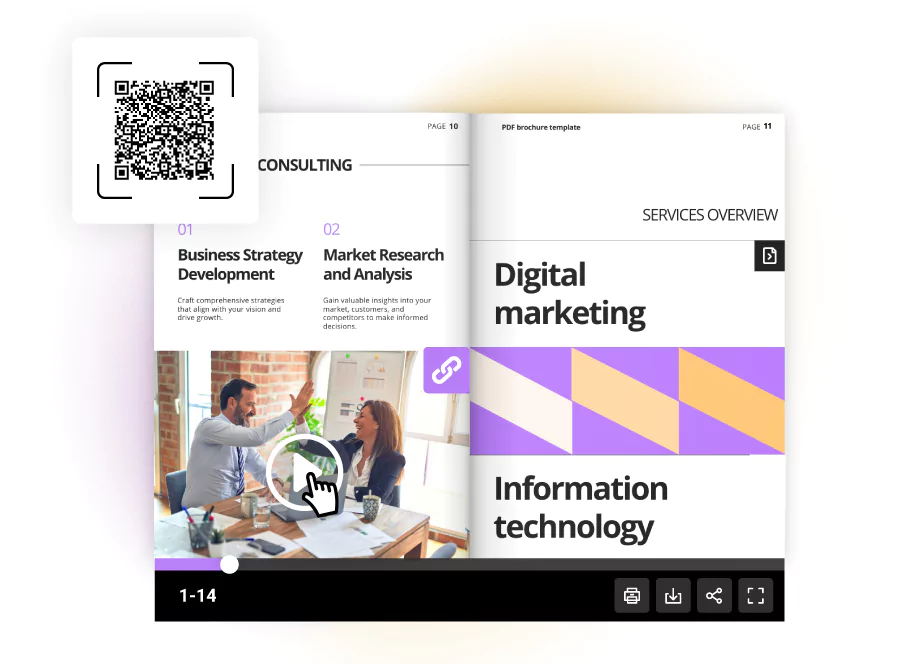
Once published, you can share your flipbook via a direct link, embed it on any webpage, send it through email, or generate a QR code for print materials — all from within Flipsnack, with no file size limits or downloads required.
Case Study: How Benifex engaged 10,000+ leads with interactive PDFs
Benifex, a global leader in employee benefits, used Flipsnack to transform its static reports into interactive, trackable flipbooks. By enhancing content with video, animations, and embedded links, their team cut production time by 50% while improving both design quality and campaign scalability as Benifex full story shows.
Benifex results:
- 10,000+ leads engaged over the course of a single year, with content performance tied directly to pipeline impact.
- 6-minute average read time across 1,700+ unique readers for their flagship Big Benefits Report—proof that immersive, media-rich PDFs hold attention far longer than static ones.
- Zero friction from downloads, thanks to dynamic QR codes. Prospects scanned and instantly accessed the flipbook on any device, across events, email, and print campaigns.
With Flipsnack’s trackable links and analytics, the marketing team could see exactly how prospects engaged, personalize ABM outreach, and identify high-intent leads.
Create PDFs people actually want to read
Engaging content isn’t just about what you say—it’s how you present it. Static PDFs served their purpose in the past, but expectations have evolved. Whether you’re sharing a catalog, proposal, training guide, or marketing collateral, enhancing PDFs with rich media is the new standard for any brand that wants its content to be read, remembered, and acted on. And with platforms like Flipsnack, you upgrade the entire experience your audience has with your content.
Frequently asked questions
A rich media PDF is a document that goes beyond static text and images to include interactive and multimedia elements such as embedded videos, audio clips, animations, clickable buttons, forms, and hyperlinks.
The most effective way to make a PDF more engaging is to add interactive elements that invite the reader to click, watch, or explore. This includes embedding videos, adding high-quality imagery and galleries, inserting clickable CTAs, and including forms or quizzes. Tools like Flipsnack make it possible to do all of this without any coding or design experience, by uploading your existing PDF and enhancing it through a drag-and-drop editor.
Yes. The most reliable way to embed video in a PDF and ensure it plays smoothly across devices is to convert your document into an interactive flipbook using a platform like Flipsnack. This allows you to insert YouTube, Vimeo, or MP4 files that play directly inside the page, without requiring the reader to download anything.
With a standard PDF, measuring engagement is nearly impossible. But with an interactive flipbook published through Flipsnack, you gain access to built-in analytics that track page views, time spent on each page, click-through rates on buttons and links, video play rates, and overall read completion. This data shows how your audience interacts with your content and where to improve it.
There are several options, but the best software for making interactive PDFs depends on your workflow. Flipsnack is designed for teams who want to enhance their PDFs without coding or design experience. Upload your document or start from scratch, add rich media elements through a drag-and-drop editor, and publish in minutes.