How to Keep your Shareable PDF Link Working when you Edit the File
Published on: July 7, 2026
You update a proposal, a program, or a price sheet. You re-export the PDF and upload it again. Then the link you already sent out stops working, or worse, it quietly points to the old version.
This is not a mistake you made. It is how most shareable pdf link tools work. A PDF is a fixed file, not a live address. Every time you edit it, you create a new file, and that new file needs a new link.
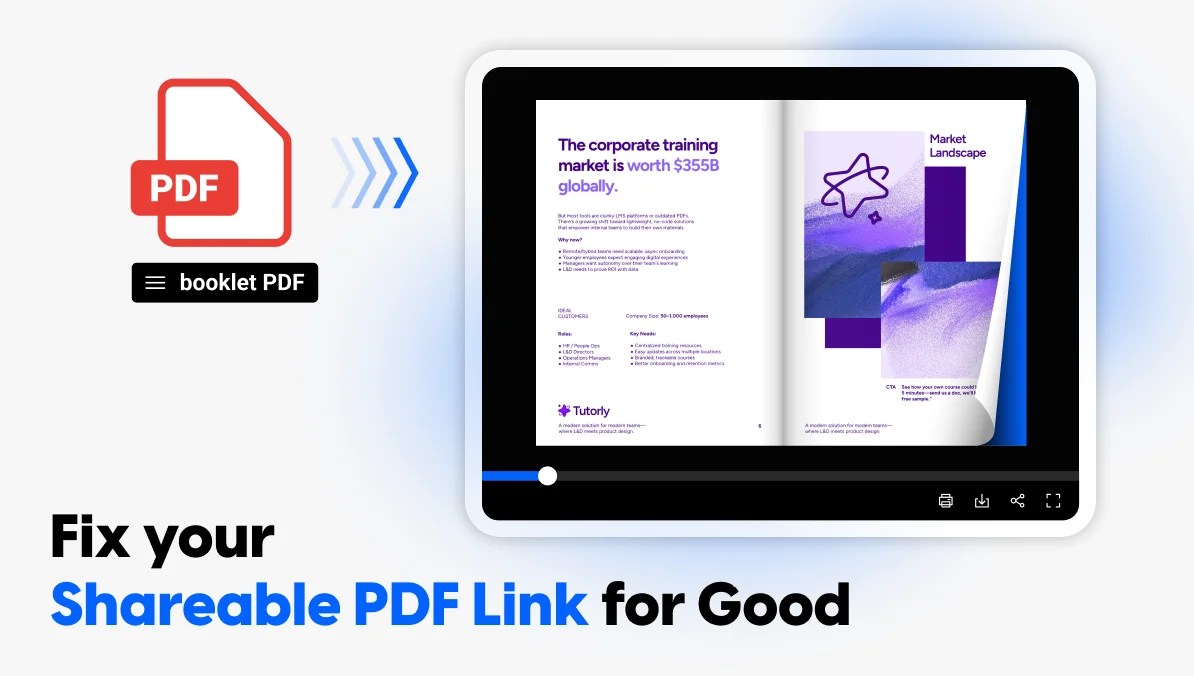
There is a better way to handle this. Instead of generating a new link every time your document changes, you can keep one link and update what is behind it. Your readers, your QR codes, and your email signatures never need to change again.
Here is why the re-export problem happens, and how a live link fixes it for good.
Why this happens with a PDF
A PDF is a file, not an address. Your link does not point to “the document.” It points to that exact file, the one you exported on that exact day.
When you edit the PDF, even a small change like fixing a typo or updating a price, you create a brand new file. That file needs its own link. The old link either breaks, or it keeps pointing at the outdated version you just replaced.
This is true no matter where you host the file. Google Drive, Dropbox, WeTransfer, or a dedicated PDF-to-link tool all work the same way underneath. The link is tied to the upload, not to the document itself. So every edit forces a choice: send everyone a new link, or let the old one quietly go stale.
The hidden cost of a broken PDF link
Most people do not notice this problem until it costs them something.
A sales rep sends a proposal link in an email. Three weeks later the pricing changes, so the file gets updated and re-uploaded. The prospect still has the old link saved. They open it, see outdated numbers, and now there is a mismatch nobody caught before the call.
A conference program gets printed with a QR code. The schedule shifts two days before the event. The team uploads a new PDF, but the QR code on thousands of printed programs still points to the old link. There is no way to fix a printed code.
A syllabus, a catalog, a brochure with a link in a signature. Each one has the same weak point: the link only works until the next edit.
None of this happens because someone did something wrong. It happens because static links and living documents do not mix well.
What a live link is (and how it’s different from a shareable PDF link)
A live link works differently. Instead of pointing to one fixed file, it points to the document itself, whatever version that document happens to be right now.
You upload a PDF once and get a link. When you need to make a change, you replace the content behind that same link instead of exporting a new PDF and starting over. Everyone who already has the link automatically sees the latest version. Nobody gets a broken link. Nobody gets an outdated one either.
This flips the usual trade-off. With a static PDF link, editing the document means choosing between breaking the link or letting it go stale. With a live link, the link is the constant and the content is what is allowed to change. That is the difference between a document you publish once and a document you can actually maintain.
How Flipsnack keeps your PDF link working through every edit
Flipsnack builds this directly into how sharing works. You upload your PDF and get a permanent link right away. When something changes, whether it is a typo, a price, or a full redesign, you update the file from your dashboard. The link stays exactly the same.
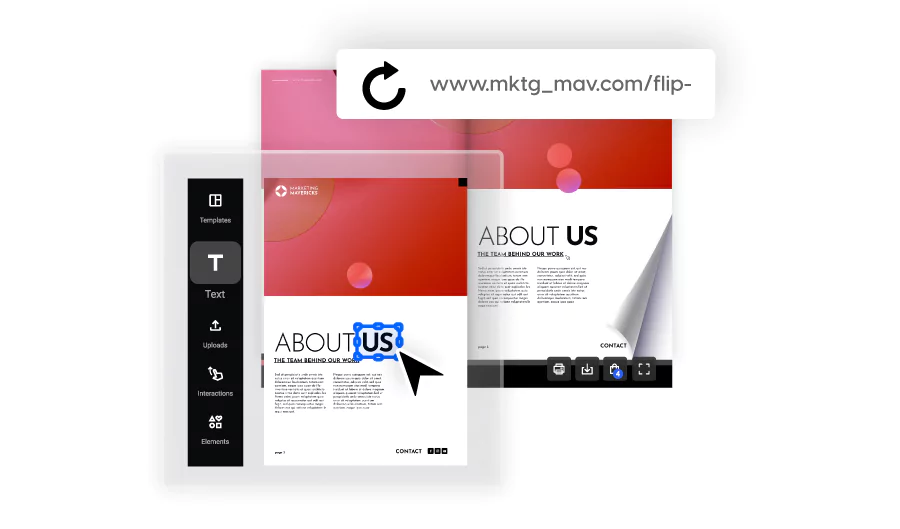
There is no re-export, no re-upload to a new address, and no need to track down everyone who has the old link to send them a new one. Anyone who already has the link, whether it is saved in an email, printed on a QR code, or embedded on a webpage, sees the current version the next time they open it.
There is a practical bonus here too. Since the link never changes, your view and engagement stats stay attached to that one link instead of resetting every time you publish an update. You get a continuous picture of how a document performs over its whole lifespan, not a new count that starts over with every edit.
Where a live link matters most
Any document you expect to update more than once is a good candidate for a live link. A few places this shows up constantly:
- Sales proposals and one-pagers. Pricing changes, terms get revised, a new case study gets added. Your prospect always sees the current version, not whatever was true the day you first sent it.
- Event and conference programs. Schedules shift right up until the event starts. Every printed QR code and shared link still opens to the latest schedule.
- Catalogs and price lists. Seasonal changes, new products, updated pricing. You update the same document instead of re-sending a new PDF and a new link every quarter.
- Syllabi and course materials. Readings change, deadlines move. Students keep one link for the whole term instead of hunting for whichever version is current.
- Brochures with a printed QR code. This is where a static link fails hardest, since a printed code can never be changed after it goes to print. A live link is the only way to keep it accurate.
Live link vs. shareable PDF link: What actually changes
A shareable PDF link and a live link solve the same starting problem, getting a document into a URL you can send. Where they differ is what happens after that.
With a typical shareable PDF link:
- The link is tied to one exported file.
- Editing the document means uploading it as a new file and getting a new link, or overwriting the old file and hoping nobody has an old copy of the link saved somewhere.
- The moment you make a change, the link’s relationship to your content gets uncertain.
With a live link:
- The link is tied to the document itself, not to one export of it.
- You can update the content behind it as often as you need, and the link never moves.
- Anyone holding that link, in an email, a QR code, or a webpage, always lands on the current version.
The practical difference shows up the first time you need to fix something after sharing. A shareable PDF link makes you choose between a broken link and a stale one. A live link removes that choice entirely.
FAQ: updating a PDF without losing your link
Yes, if the link is a live link rather than a standard shareable PDF link. You update the document from your dashboard and the existing link keeps working, pointing to the new version automatically.
Nothing needs to change. The code keeps working and opens the current version of the document, even if the content has been fully replaced since the code was printed.
No. Because the link stays the same, your stats stay attached to that one link across every update, giving you a continuous view of performance instead of a new count each time you publish a change.
Yes. Small edits are actually where static links cause the most quiet damage, since a typo fix often gets treated as low priority and the outdated version stays live in people’s inboxes far longer than a major update would.
One link, however many times your document changes
A PDF was never built to be edited after it goes live. Every export creates a new file, and every new file needs a new link. That is the root of the problem this article started with, and it is not something you did wrong. It is just how static links behave.
A live link fixes this by separating the two things a static link forces together: the address and the content behind it. The link stays fixed. The content is free to change as often as you need, whether that is a typo fix, a full redesign, or a new price list every quarter.
That one shift removes most of the problems covered above:
- No dead links sitting in old emails or CRMs.
- No printed QR code that stops matching what is actually behind it.
- No stats that reset every time you publish an update.
- No need to track down everyone who has the old link and send them a new one.
If you already share PDFs regularly, whether as proposals, programs, catalogs, or brochures, the question is not whether you will need to edit one after sharing it. You will. The only question is whether the link survives that edit.
Upload your next PDF to Flipsnack, get a link, and update the document behind it as many times as you need. The link never changes.