What Is a Playbook (And Why Most of Them Never Get Used)
Published on: September 10, 2026
Companies document almost everything: sales processes, marketing strategies, customer service procedures, onboarding steps, crisis plans, and more.
But simply documenting information doesn’t make it useful. To help people do their jobs, that information needs to be easy to find, understand, and apply. And that’s where a playbook can make a difference.
A playbook takes the knowledge, strategies, and processes a team relies on and turns them into practical guidance for recurring situations. It can help a sales team handle common objections, give marketers a clear approach to planning campaigns, or help new employees navigate their first weeks.
In other words, there’s no single type of playbook. You can have a business playbook, sales playbooks, marketing playbooks, onboarding playbooks, customer service playbooks. A playbook for any area where people need a better approach to recurring situations.
And while many documents may be called “playbooks,” not all of them are actually useful playbooks.
So, what makes a playbook effective? In this guide, we’ll look at what a playbook is, what it should contain, what makes it useful, and how to make it interactive.
Table of contents
- What is a digital playbook?
- What is a playbook used for?
- Playbook vs. SOP – What’s the difference between a playbook and an SOP
- What does a playbook include?
- What makes a playbook useful?
- Real playbook examples that you can learn from
- How to turn a playbook into an interactive resource with Flipsnack
- Make your playbook usable, not exhaustive
- FAQs
What is a digital playbook?
A playbook is a practical guide that captures the strategies, processes, decisions, and best practices a team can use to handle recurring situations consistently.
The term comes from sports. A team’s playbook contains different plays it can use during a game, depending on what’s happening on the field. Business playbooks work in much the same way: a sales team might have a play for handling a common objection, a marketing team might have one for launching a campaign, and a customer service team might have one for dealing with an escalation.
Digital playbooks are meant to make people act. They give enough context to understand a situation, enough guidance to decide what to do, and enough practical resources to take the next step.
What is a playbook used for?
A digital playbook is useful whenever people regularly encounter similar situations but still need some judgment about how to respond.
For example, a team might use a playbook to:
- Handle recurring situations: Give employees a starting point when a familiar problem comes up.
- Share expertise: Capture the approaches experienced team members have developed over time.
- Make decisions more consistently: Explain what to consider and what to do in different circumstances.
- Repeat what works: Turn successful strategies into approaches other people can use.
- Onboard new employees: Give new team members practical guidance instead of making them learn everything through trial and error.
- Coordinate across teams: Give different people a shared understanding of how a process or situation should be handled.
Playbooks help employees avoid feeling lost when dealing with a situation. It’s not a rule guide, so you don’t have to follow it word by word. You can use the playbook’s framework and use your judgment when the situation calls for it.
Playbook vs. SOP – What’s the difference between a playbook and an SOP
A business playbook helps people decide how to approach recurring situations. It provides context, recommended approaches, guidelines, examples, and resources so someone can choose the right course of action.
An SOP (Standard Operating Procedure) is more specific. It explains exactly how to complete a particular task, usually in a defined sequence. In practice, the two can work together: a playbook might help an employee decide how to handle a customer escalation, while an SOP explains the exact steps for processing the resulting refund.
Playbooks overlap with strategies, policies, operations manuals, and checklists. The easiest way to understand the differences is to compare them by what they are for, what they cover, and how people use them.
| Criteria | Playbook | SOP | Operations manual | Policy |
| Primary purpose | Guide decisions and actions in recurring situations | Explain exactly how to complete a task | Document how business operations work | Define rules and requirements |
| Main focus | Situations and recommended approaches | Specific tasks and procedures | Systems, functions, and workflows | Rules and boundaries |
| Scope | Flexible; covers a team, function, or situation | Narrow and task-specific | Broad operational areas | Usually focused on a specific rule or area |
| Level of detail | Practical and adaptable | Highly detailed and sequential | Detailed and comprehensive | Clear and definitive |
| Strategy | Turn knowledge and best practices into a repeatable approach | Make a specific task consistent and reliable | Create consistency across business operations | Reduce risk and ensure consistent compliance |
| Helps answer | How should we approach this situation? | What exactly do I need to do? | How does this part of the business operate? | What rules do I need to follow? |
| Typical content | Plays, decision trees, examples, scripts, templates | Steps, instructions, requirements | Processes, systems, roles, workflows | Rules, requirements, exceptions |
What does a playbook include?
There is no standard format when it comes to playbooks. A sales playbook might look completely different from an employee onboarding playbook or a crisis response playbook.
Still, most useful playbooks have a few things in common.
- Purpose and audience: Someone opening the playbook should immediately understand who it is for and why it exists.
- Principles and guidelines: These explain the thinking behind the approach. It can include what to prioritize, what to avoid, or what principles should guide your decisions.
- Plays or scenarios: Each play focuses on a particular situation and provides guidance for handling it.
- Processes and workflows: Some situations need clear steps. Use workflows, decision trees, or concise instructions to show what happens next.
- Examples: Examples help people translate general guidance into action. These could be sample conversations, completed templates, successful campaigns, or examples of what not to do.
- Templates and resources: Give people the tools they need to act. These might include checklists, scripts, worksheets, forms, or links to other resources.
- Roles and responsibilities: Make it clear who owns each part of the process and when someone should involve another person or team.
- Metrics: When relevant, explain how success is measured. This helps teams understand whether a play is working and where it might need improvement.
What makes a playbook useful?
A playbook can contain all the right information and still end up unused because usefulness doesn’t come from including tons of information. It’s about how easily people can use that information when they need it.
A good playbook helps people recognize a situation, make a decision, and take the next step. It gives them enough guidance to act.
Here’s is what separates a useful playbook from one that ends up collecting dust:
| Trait | What a useful playbook does | When playbook fails |
| Built around real situations | Addresses situations, challenges, or decisions that people actually encounter. | Relies on vague advice or general information. |
| Helps people make decisions | Provides clear guidance for different situations and possible next steps. | Becomes a collection of information without clear guidance. |
| Easy to navigate | Organizes information into clear sections that are easy to scan and find. | Makes people search through long or confusing pages to find an answer. |
| Reflects reality | Captures how things actually work, including relevant exceptions and variations. | Describes an ideal process that doesn’t match real-world practice. |
| Specific, but not rigid | Gives enough detail to guide action while leaving room for judgment and context. | Is either too vague to be useful or too rigid to apply. |
| Kept up to date | Evolves as knowledge, processes, priorities, and circumstances change. | Becomes outdated and loses its value over time. |
Before publishing a playbook, think that if someone opens the playbook in the middle of a real situation, could they quickly figure out what to do next. If the answer is yes, you’re on the right track.
Real playbook examples that you can learn from
At their core, playbooks are an exercise in systemization. They take something that currently lives as scattered judgment calls in people’s heads and turn it into a repeatable system anyone can follow.
Most companies never let outsiders see that system. Playbooks tend to include internal policies, pricing logic, and process details that aren’t meant to leave the building, so the vast majority stay locked inside. But a few of companies have published parts of theirs publicly and they’re worth a look:
HR processes playbook
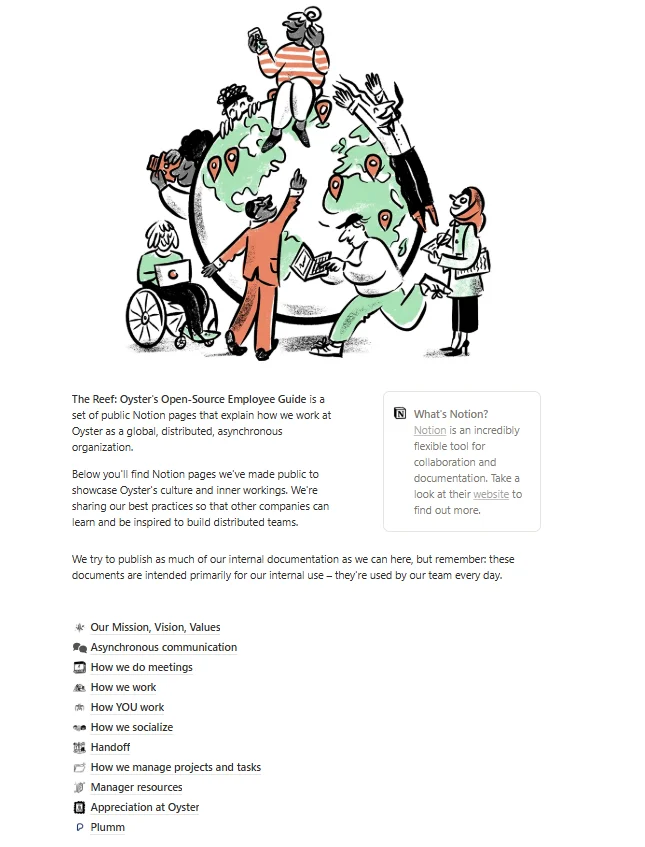
An onboarding playbook can bring the key processes and resources new hires need into one secure, easy-to-access guide. Onboarding, contract signing, and recruitment are usually among the most tightly held playbooks, since they often contain sensitive legal and compensation details. OysterHR’s “The Reef” is a rare exception. An open-source playbook of an employee playbook with everything included.
Marketing playbook
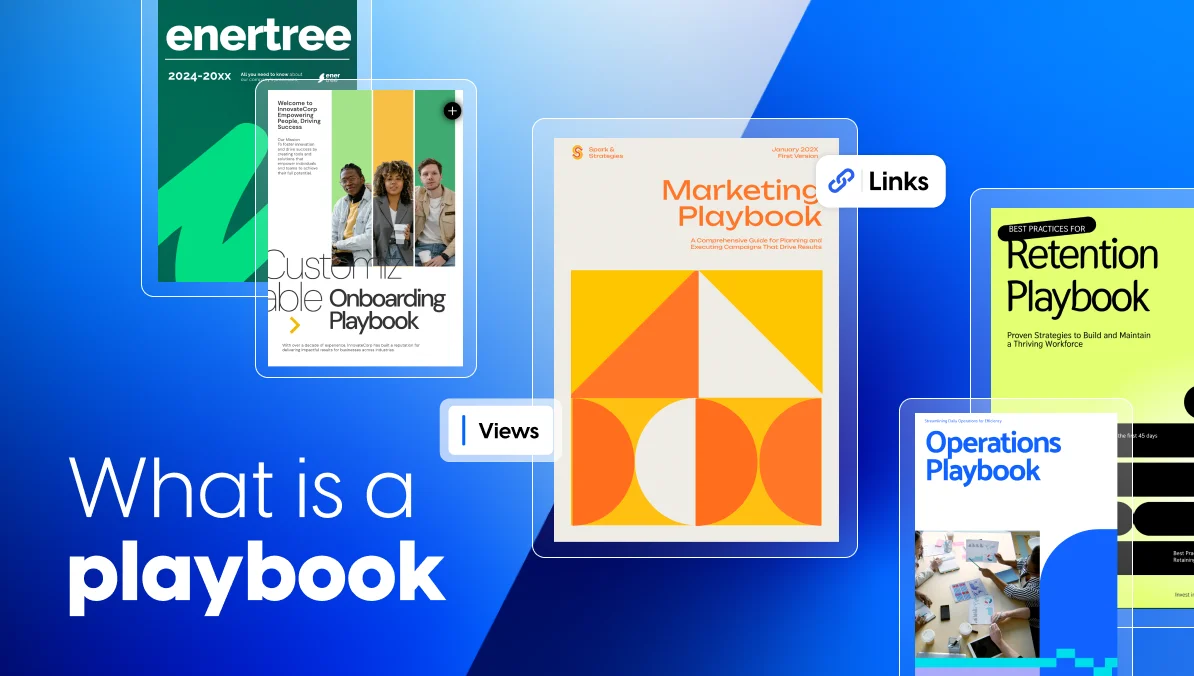
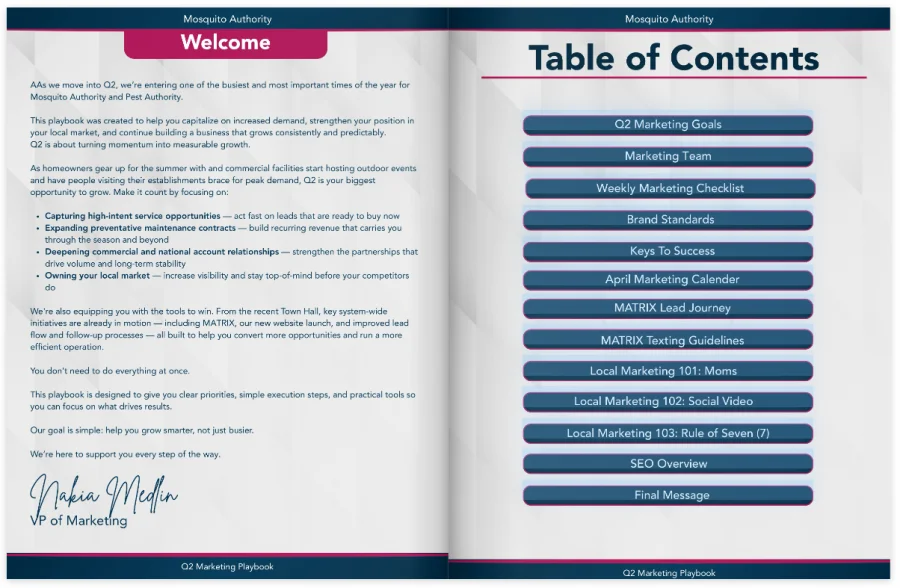
This marketing playbook, created by one of Flipsnack’s customers, is designed to help marketers capitalize on increased demand, strengthen their position in local markets, and build consistent, predictable growth.
Rather than simply documenting marketing ideas, the playbook gives the team clear priorities, execution steps, and practical tools to help them focus on what matters. It includes a marketing calendar, links to important documents, videos, and other resources marketers can use as they put the plan into action.
The interactive format makes the playbook easier to use. An interactive table of contents helps employees quickly jump to the information they need, while embedded links and videos give them access to supporting resources without having to search for them elsewhere.
Culture playbook
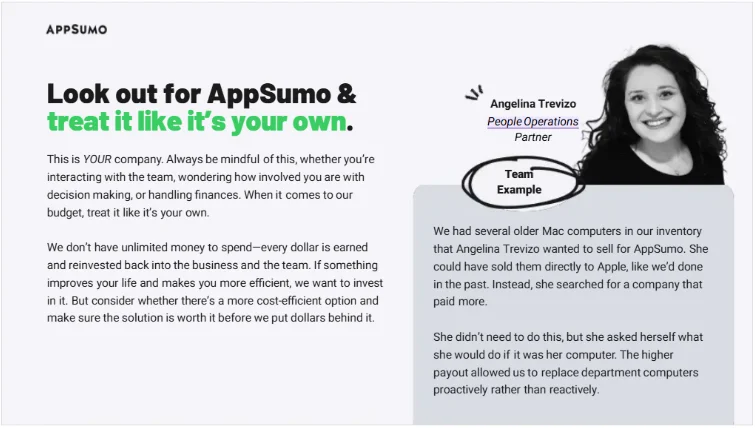
This is the hardest one to systemize, because culture isn’t written by a CEO or HR. It’s built by the team living it out day to day. AppSumo’s teammate handbook, which founder Noah Kagan has talked through in detail on his podcast, is a good example of what that looks like on paper. It’s a running record of what the team has learned from its failures, along with the kind of encouragement and leading-by-example that’s usually the hardest part of culture to document at all.
Project management playbook
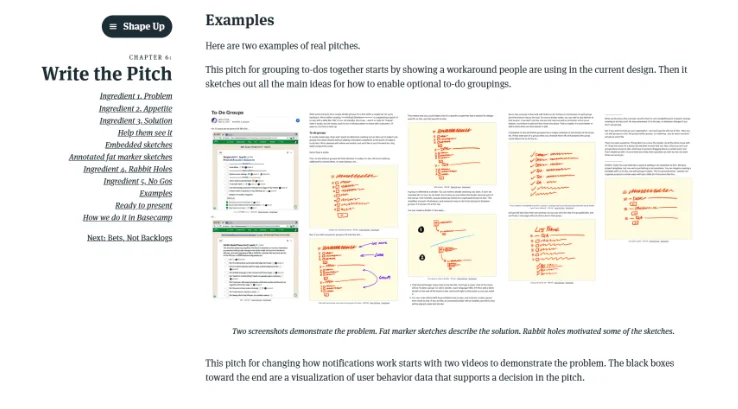
Basecamp’s Shape Up is probably the best-known public playbook for how a team plans and scopes work. About how to turn a rough idea into a bounded, shippable piece of work, how to set expectations around it, and how to report status without a daily standup. It’s free to read in full, and it’s a genuinely useful reference even outside Basecamp’s own process.
Integration playbook
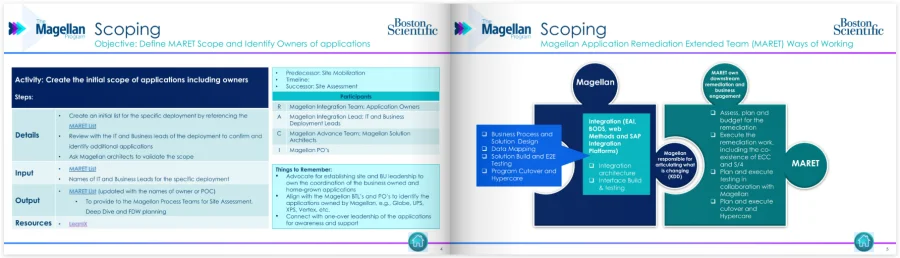
Another Flipsnack client takes a more process-focused approach with its integration playbook. The resource brings together key information teams need to make applications ready for deployment.
Navigation is a key part of the experience. A clickable table of contents gives employees quick access to different sections, while a home button stays available throughout the playbook, making it easy to return to the main menu. Links to additional resources provide more detail when needed.
The structure keeps important information organized without forcing employees to search through a long document to find the part that applies to them.
Development playbook
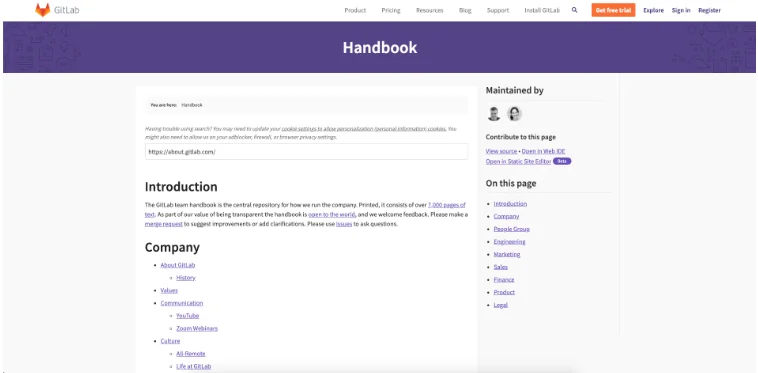
GitLab’s handbook is the most complete public example of a development playbook in the wild. It includes code review standards, DevOps practices, and security processes, all documented in the open and editable by any employee. It’s less “here’s our playbook” and more proof that an entire company’s operating system can live in public without falling apart.
Some of the examples were large playbooks that cover entire departments or functions, but not all playbooks have to be that comprehensive. Smaller playbooks focused on a specific team, role, process, or recurring situation can be easier to use and maintain.
Before working on a larger playbook, think about what recurring situation you want to make easier to handle and start from there. The answer will usually point you toward the right kind of playbook.
If you’re having trouble starting from scratch, you can also use Flipsnack’s playbook templates as a starting point and customize them to fit your team and processes.
How to turn a playbook into an interactive resource with Flipsnack
Traditional playbooks are often nothing more than static files hard to update, easy to lose track of, and impossible to measure. That turns something meant to be a solution into one more document nobody checks.
The format matters because a playbook is only useful if people can access it, navigate it, and use it in the moment they need it. With Flipsnack, you can turn a playbook into an interactive resource that becomes a living resource that your team can use, update, and improve over time.
Add interactive elements
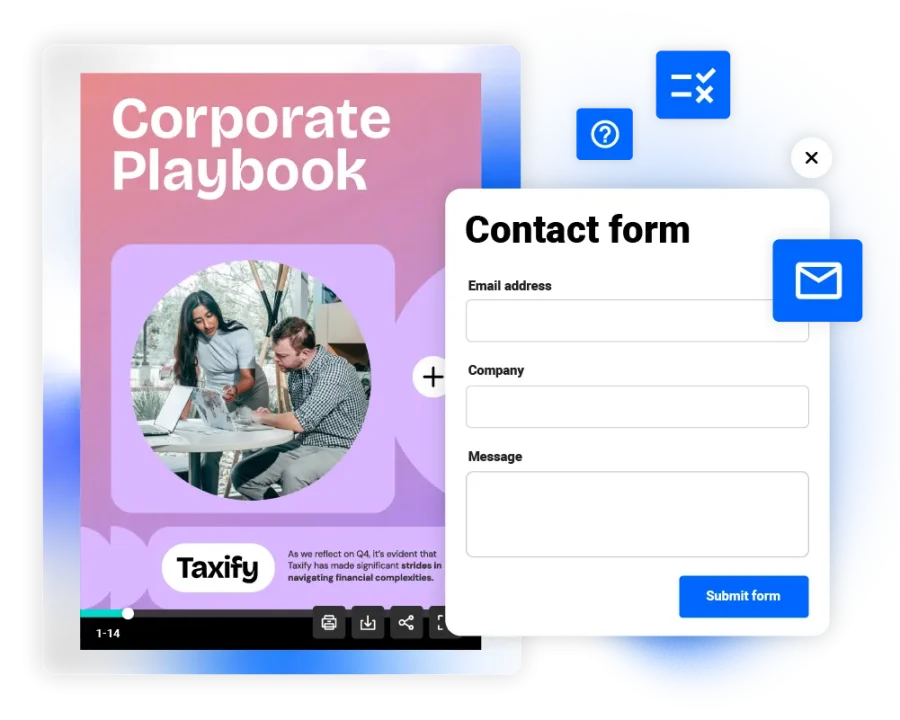
Make the playbook easier to navigate with clickable tables of contents, links, videos, forms, and other interactive elements. You can link directly to templates and supporting resources or add forms that employees can complete without leaving the playbook.
Keep the playbook up to date
Make real-time updates. When a policy or process changes, you update the playbook once and everyone sees the current version. No need to resend a file or hunt down who has the outdated copy. You can also create custom, locked templates to keep your playbooks on-brand and consistent when different teams need to create or personalize their own versions.
Secure, flexible sharing
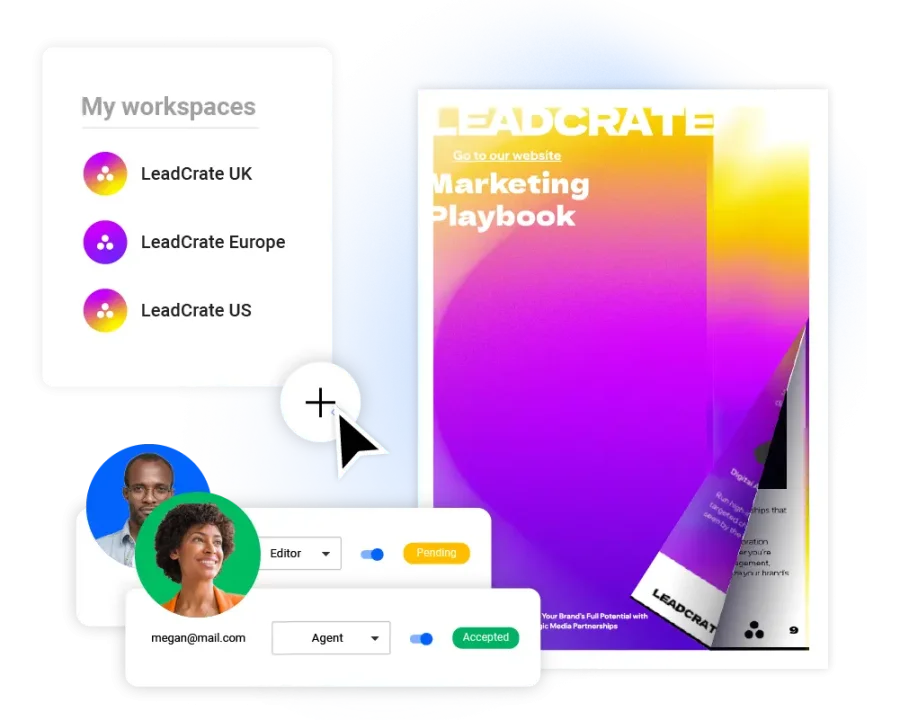
You can share your playbooks publicly via link, email, or embed, or keep them private with unlisted links, passwords, or one-time passcodes. For more control, SSO sharing lets you restrict access to verified teammates while making authentication easier and keeping a record of who accessed the playbook.
See how people use it
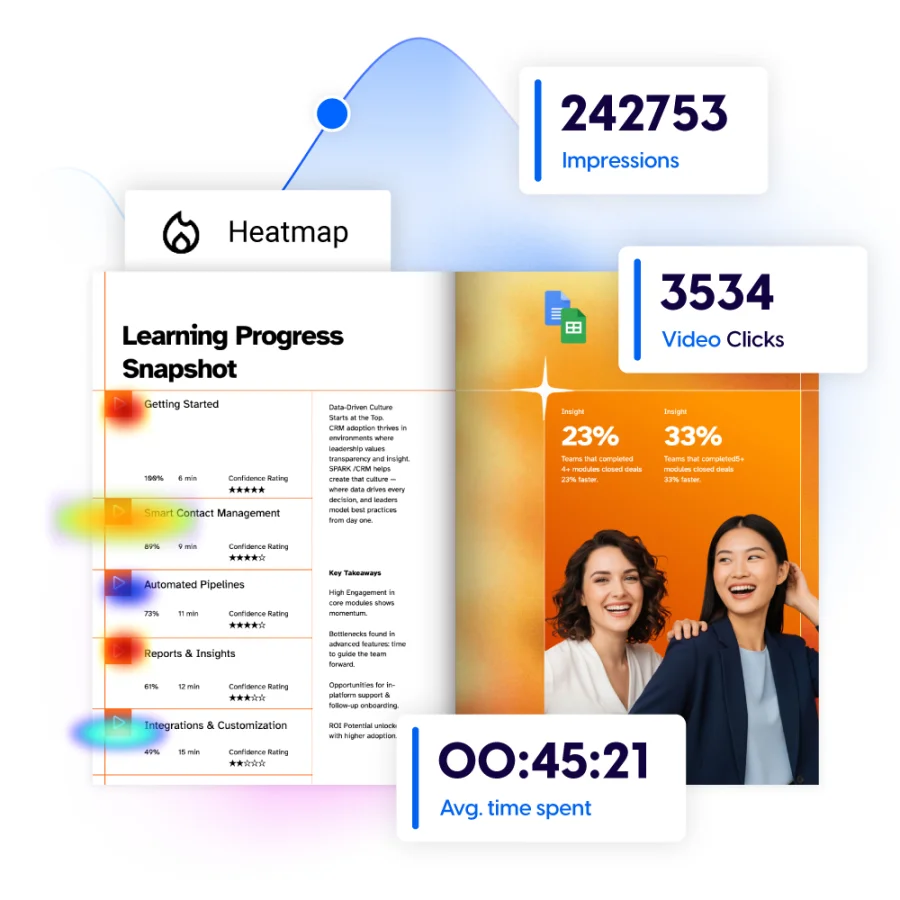
Flipsnack analytics can show how readers interact with your playbook, including which content gets attention and how they move through it. This can help you identify what’s useful, what gets overlooked, and where the playbook could be improved.
Make your playbook usable, not exhaustive
A playbook can have tens of pages, a polished design, or every process your company has ever documented, but it becomes useful when someone opens it in the middle of a real situation and quickly understands what to do next.
Start with a recurring problem. Turn the knowledge around that problem into practical plays, add the examples, and resources people need. Make everything easy to navigate, and keep improving it as your team learns.
And when you’re ready to turn that information into a living resource people can actually use, Flipsnack can help you transform your playbook into an interactive, easy-to-navigate digital experience.
FAQs
Yes. Digital playbooks can include clickable navigation, links, videos, forms, templates, and other interactive elements. With Flipsnack, you can turn a static playbook into an interactive resource that gives readers direct access to the information and tools they need.
Every playbook should have a clear owner, even if several people contribute to it. The team lead or manager will often oversee the playbook, while subject-matter experts can update specific sections when processes change.
Update your playbook whenever the process, policy, or strategy it documents changes. It’s also worth reviewing it regularly to make sure the guidance is still accurate and useful. Keeping one current digital version in Flipsnack can help prevent teams from relying on outdated copies.
A playbook should be long enough to give people the guidance they need, but focused enough to remain easy to use. You can start with a single play and expand the playbook as more recurring situations need to be documented.