Best digital catalog software in 2026: 11 tools compared
Last update: October 13th, 2026
You email a 200-page PDF price list on Monday. By Thursday, a buyer quotes last quarter’s prices back to you, and you have no idea who else opened the file.
The problem isn’t your catalog. It’s the format. A PDF freezes your products the moment you hit send, while digital catalog software keeps them current under one link and shows you what buyers actually do.
This guide compares 11 digital catalog software tools for 2026. You’ll see what each one costs, how it handles product data and checkout, what its analytics show, and where it falls short. Pricing and ratings were checked against vendor pages and review sites on October 8, 2026.
Table of contents
- What is digital catalog software?
- How do the best digital catalog software tools compare?
- How to choose digital catalog software
- What is the best digital catalog software in 2026?
- 1. Flipsnack: best for end-to-end catalog creation and tracking
- 2. Publuu : best for fast, affordable PDF flipbooks
- 3. FlippingBook : best for PDF flipbooks with built-in tracking
- 4. iPaper : best for retail catalogs with in-catalog checkout
- 5. FlipHTML5 : best for budget-friendly flipbooks with templates
- 6. Publitas : best for feed-driven shoppable catalogs
- 7. Catalog Machine: best for small shops syncing products from online stores
- 8. Marq : best for brand-controlled catalog templates
- 9. Issuu : best for publishing catalogs to a public audience
- 10. DCatalog : best for B2B catalogs built from product data
- 11. Paperturn : best for simple flipbooks with quote carts
- Which digital catalog software wins each category?
- Do B2B and B2C buyers need different digital catalogs?
- How do teams use Flipsnack catalogs?
- Which digital catalog software should you choose?
- Frequently asked questions about digital catalog software
What is digital catalog software?
Digital catalog software turns product information, PDFs, or spreadsheets into interactive online catalogs that buyers can browse, filter, and order from on any device. Teams use it to publish once, update prices under the same link, and track which products get attention.
Two types exist, and mixing them up is the most common buying mistake:
- Catalog makers convert a finished PDF or a designed layout into a flipbook. They suit marketing teams that own the design.
- Catalog management software builds catalogs from product data such as feeds, CSV files, or PIM and ERP systems. It suits teams with thousands of SKUs that change weekly.
Several tools on this list do both. Flipsnack, iPaper, Publitas, DCatalog, and Catalog Machine cover design and data-driven publishing, while the rest focus on converting PDFs.
How do the best digital catalog software tools compare?
The short answer: Flipsnack, iPaper, Publitas, DCatalog, and Catalog Machine handle product data as well as PDFs. Publuu, FlippingBook, FlipHTML5, Issuu, and Paperturn convert PDFs into flipbooks. Marq is a brand-template tool with CSV data automation.
| Tool | Best for | Starting price | Data import | Checkout | Analytics | G2 rating |
|---|---|---|---|---|---|---|
| Flipsnack | Automate, design, distribute, track | $38/month (billed yearly) | CSV, Google Sheets, PIM or ERP | Shopify buy buttons, shopping cart integration, quoting system | Built-in, plus Google Analytics | 4.7 (416) |
| Publuu | Fast PDF flipbooks | $7/month | PDF only | Product tags, wishlist | Built-in; GA4 on higher plans | 4.8 (563) |
| FlippingBook | PDF flipbooks with tracking | $20/month | PDF, Canva | Order forms | Built-in | 4.7 (298) |
| iPaper | Retail with checkout | €295/month | Product feed | In-catalog checkout | Built-in, heat map | 4.8 (30) |
| FlipHTML5 | Budget flipbooks | $12/month (billed yearly) | PDF, PPT, Word | Not listed | Built-in, plus GA4 | 4.7 (92) |
| Publitas | Feed-driven catalogs | €29/month | Product feed | Add-to-cart (higher tiers) | GA4; dashboard on Enterprise | 4.5 (10) |
| Catalog Machine | Store-synced catalogs | Free; paid from $19/user/month (per Capterra) | CSV, Shopify, Etsy, eBay | Order form | Views and downloads | 4.2 |
| Marq | Brand-controlled templates | $10/month (billed yearly) | CSV, Google Sheets, XML | None | Add-on | 4.5 (210) |
| Issuu | Public publishing | $19/month (per Capterra) | PDF, DOCX, PPTX | Stripe sales | Stats by plan | 4.7 (111) |
| DCatalog | B2B product data | $29/month | CSV, XML, API | Cart, quotes, B2B orders | Built-in, plus GA | 4.5 (32) |
| Paperturn | Simple flipbooks | $24/month (billed yearly) | PDF only | Quote cart (Business) | Built-in | 4.6 (52) |
Read the table by job, not by price. Entry plans range from $7 a month to €295 a month, but a cheap plan that can’t import a product feed costs more once you’re updating 2,000 SKUs by hand.
How to choose digital catalog software
The short answer: Start with where your product data lives. If it’s in a finished PDF, a catalog maker is enough. If it lives in a spreadsheet, store, PIM, or ERP, you need software that builds catalogs from that data automatically.
Check seven criteria before you compare prices for a digital catalog software:
- Data integration. CSV, product feeds, and API access decide how much manual updating you’ll do.
- Commerce. Buy buttons, carts, and quote requests turn browsing into orders.
- Analytics. Page-level clicks and product views show what to reprint, reprice, or drop.
- Branding. Custom domains, locked templates, and white label keep catalogs on brand.
- Interactivity. Product tags, video, and search shorten the path from page to purchase.
- Security. Password protection and SSO matter when price lists are not for everyone.
- Implementation. Setup time ranges from minutes for a PDF upload to weeks for ERP sync.
Which digital catalog software fits which team?
| Your situation | Pick this type | Tools to shortlist |
|---|---|---|
| One finished PDF, small team | Catalog maker | Publuu, FlipHTML5, Paperturn |
| Designing catalogs in-house, want analytics | Maker with design tools | Flipsnack, FlippingBook |
| Retail catalog with online checkout | Shoppable catalog | iPaper, Publitas, Flipsnack |
| Thousands of SKUs updated weekly | Data-driven | Flipsnack, DCatalog, Publitas, Catalog Machine |
| B2B distributor with ERP or PIM | Management software | DCatalog (Enterprise), iPaper Horizon |
| Strict brand control across regional teams | Template-driven | Marq, Flipsnack |
Think about this before you buy: how many people touch the catalog each month? A single owner can live with manual uploads. Ten regional editors cannot.
What is the best digital catalog software in 2026?
The short answer: Flipsnack is the best fit when you want to design, publish, measure, and automate catalogs in one place. iPaper and Publitas lead for feed-driven retail, DCatalog for enterprise B2B data, and Publuu or FlipHTML5 for quick, affordable PDF flipbooks.
Each tool below follows the same order: features, why choose it, who it suits, where it gives ground, pricing, and reviews.
1. Flipsnack: best for end-to-end catalog creation and tracking
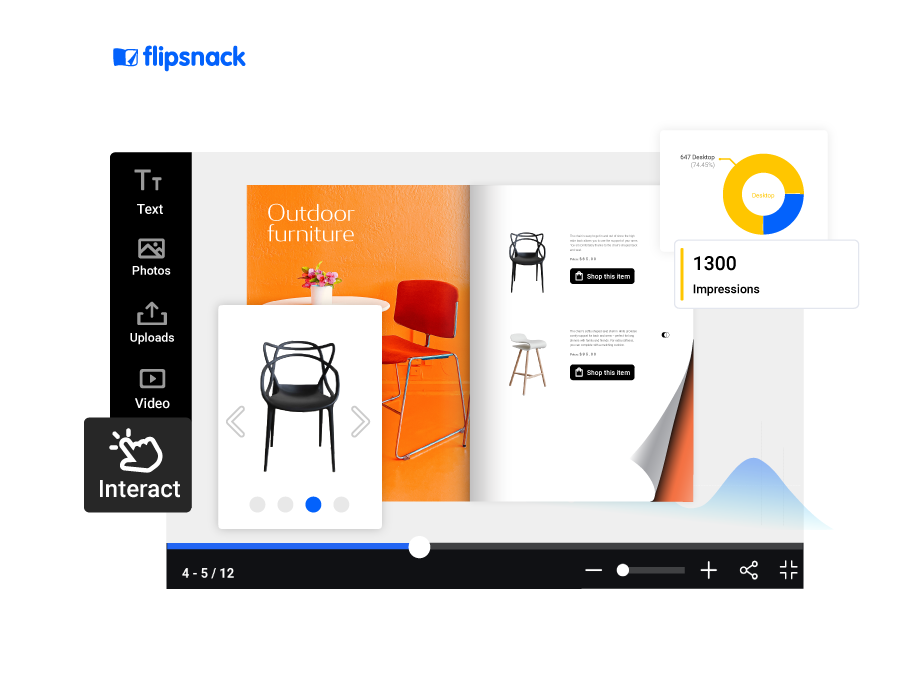
Used by: Electrolux Group, Pandora, Chez Pluie, Newell Brands.
Notable features:
- Design Studio with hundreds of free catalog templates, or upload a PDF
- Product tags, buy buttons, and a shopping list buyers can download or email
- Shopify shopping cart integration for adding products to cart directly from the catalog
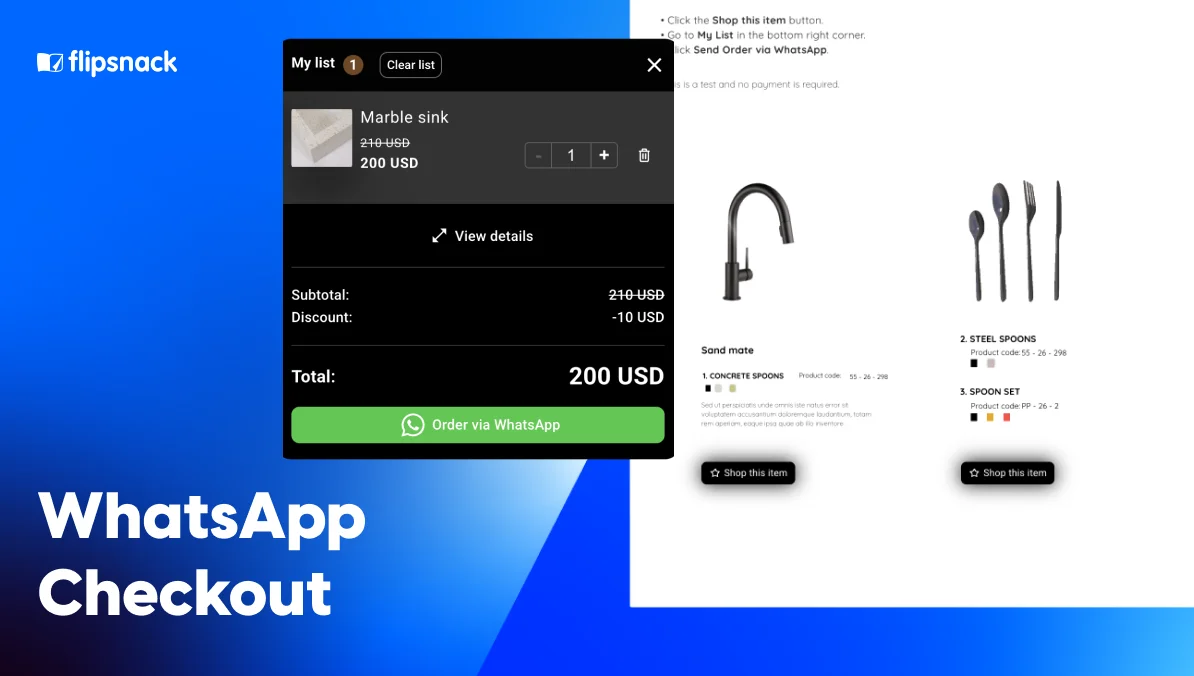
- WhatsApp checkout for sending orders or pre-orders straight from the catalog
- Google Analytics, CRM, and Zapier connections, including automatic export of orders to your CRM
- Catalog Generator for building catalogs from spreadsheets
- Automatic SKU detection that turns product codes in a PDF into shoppable areas
- One always-updated link, with public or private sharing options
- Built-in analytics for views, impressions, and time spent per page
- AI Animate (Living Visuals) for turning static product photos into auto-playing video, with no prompt needed
- AI image generation, AI translation, and auto-generated alt text for accessibility
Why Flipsnack? You can build a catalog from scratch, edit an existing PDF, or generate a ready-to-distribute catalog from a spreadsheet, all in one editor. One master product feed can also produce multiple tailored catalogs, such as versions by region, customer segment, or product line, without rebuilding each one by hand. Prices update under the same link, so buyers never open an outdated page. Analytics then show clicks, popular products, and conversions, so you know what to feature next season.
Who is it for? Marketing and B2B sales teams that own catalog design and want product-level data without stitching three tools together.
Where it gives ground: AI features run on a monthly credit allowance that varies by plan, and Edit PDF is currently in beta by request. Catalog Generator and SAML SSO sit on the top tier. If your catalog lives entirely in an ERP, a dedicated data platform like DCatalog goes deeper.
Pricing: Free (5 flipbooks, 15 pages each). Pro $38/month billed yearly ($456). Business $85/month ($1,020/year). Enterprise is custom.
Reviews
Capterra: 4.6/5 stars
G2: 4.7/5 stars
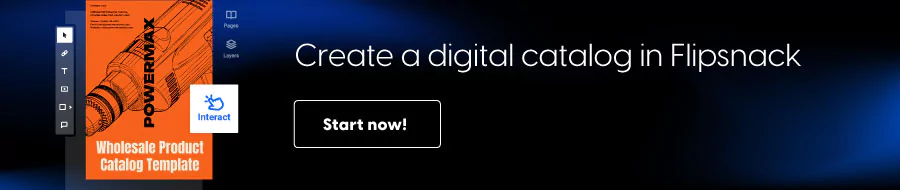
2. Publuu: best for fast, affordable PDF flipbooks
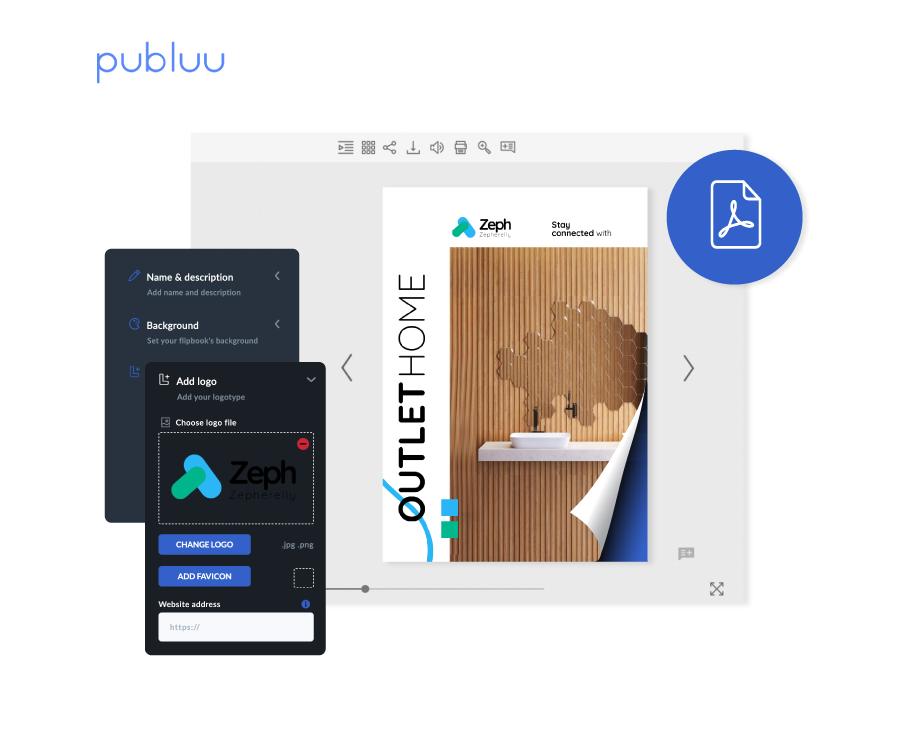
Used by: Testimonials from SBR Sports Europe, Amplify-Now, and Little Big Marketing.
Notable features:
- PDF-to-flipbook conversion with background, logo, and layout customization
- Product tags that link to product pages, plus a reader wishlist
- Basic statistics on every plan; advanced statistics from Optimum
- Google Analytics 4 on Professional and Premium
- 14-day free trial, no credit card
Why Publuu? Upload a PDF, add product tags, and share a link within minutes. Replacing the PDF updates the catalog, so you skip the re-send cycle.
Who is it for? Small teams with a finished PDF and a tight budget.
Where it gives ground: Data import is limited to PDF upload, and checkout or cart features aren’t listed. Password protection starts at the Optimum plan.
Pricing: Basic $7, Optimum $24, Professional $49, Premium $89 per month. The pricing page doesn’t state the billing basis for these figures. No free plan.
Reviews
Capterra: 4.9/5 stars
G2: 4.8/5 stars
3. FlippingBook: best for PDF flipbooks with built-in tracking
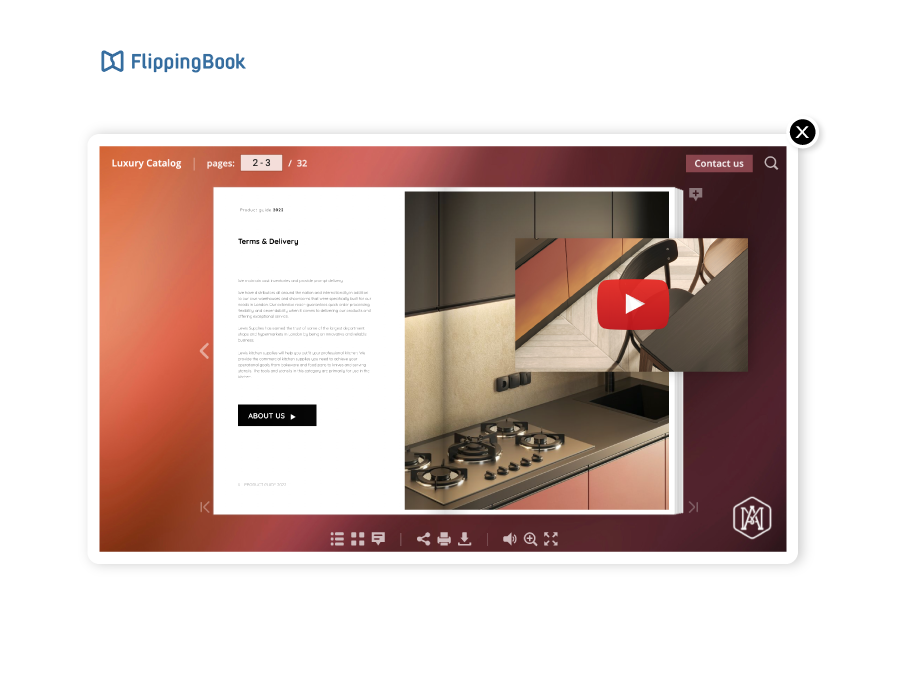
Used by: Australian Institute of Management (testimonial).
Notable features:
- PDF-to-HTML5 flipbook, or start from a Canva template
- Clickable pop-up images, external product links, and order forms
- Analytics on every plan, with engagement and geo reports on Advanced
- WordPress integration from Starter; Google Analytics from Optimal
- 14-day trial, no credit card
- Lead form with one required field, skip options, and page placement for lead capture
Why FlippingBook? Page-flip catalogs come with real tracking from the entry plan, so you see opens, page views, and clicks without extra setup. It can also serve as a lead generation tool once you add a lead form.
Who is it for? Sales teams that want a polished digital version of an existing PDF.
Where it gives ground: There’s no shop, checkout, or shoppable tagging, and CSV or ERP import isn’t listed. Password protection and the API start at the Advanced plan, and lead forms need Optimal.
Pricing: Lite $20/month ($234/year). Starter $46, Optimal $93, Advanced $187, Team $257 per month. Enterprise is custom. No free plan.
Reviews
Capterra: 4.6/5 stars
G2: 4.7/5 stars
4. iPaper: best for retail catalogs with in-catalog checkout
Used by: JYSK, SPAR, Oriflame, Conforama.
Notable features:
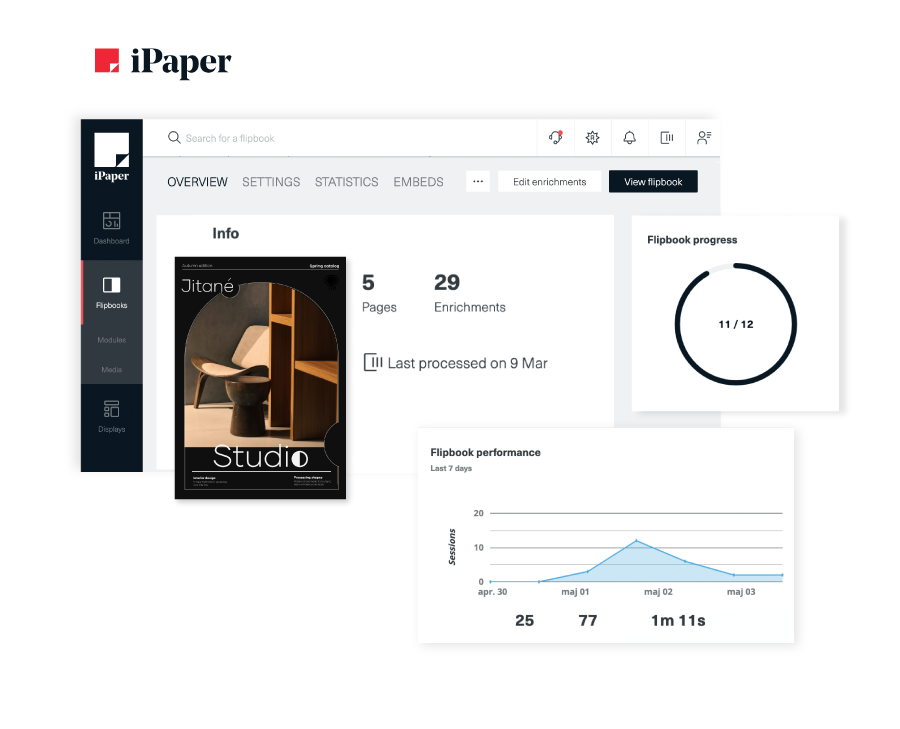
- Flipbooks from PDF, plus Horizon for catalogs built from a Google Merchant feed
- Checkout through a flipbook basket, WhatsApp, Viber, or email (Plus tier and above)
- Request-a-quote on B2B catalogs
- Built-in statistics and heat maps
- Integrations with Google Tag Manager, HubSpot, and Google Ads
Why iPaper? Buyers can order without leaving the catalog, so fewer drop off between browsing and the product page.
Who is it for? Retailers and distributors with feed-based assortments and high order volume.
Where it gives ground: It carries the highest entry price on this list. Full checkout options start at the Plus plan, and the Backend API isn’t included on Light.
Pricing: Flipbooks from €295/month (Commerce Light); Horizon feed-based plans from €399/month. 14-day trial. No free plan.
5. FlipHTML5: best for budget-friendly flipbooks with templates
Used by: Homepage logos include Upwork, Lattice, and Rakuten.
Notable features:
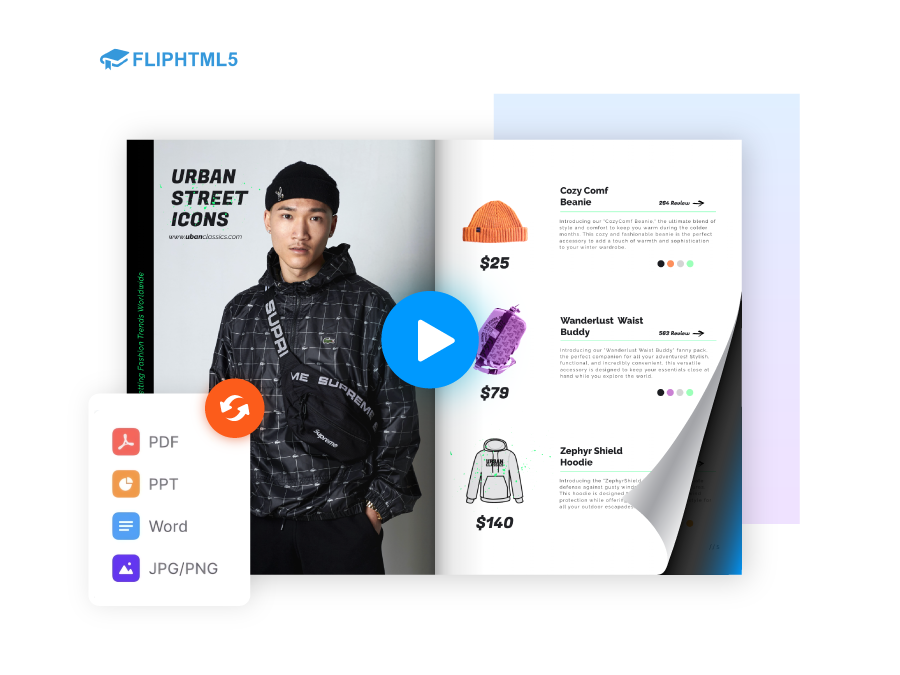
- PDF, PPT, Word, and image upload, including TIFF and WEBP files
- 900+ templates, 22 layouts, and 50 skins
- Built-in statistics (7 days on Free, up to 2 years on Enterprise) plus GA4
- AI chatbot and AI assistant inside flipbooks, plus a WordPress plugin
- Free plan with 5 flipbooks per day
Why FlipHTML5? The free plan and low entry price let you test a catalog before committing budget.
Who is it for? Small businesses publishing occasional catalogs.
Where it gives ground: CSV, Excel, and product feed import aren’t listed, and no shoppable or checkout features appear on its pages. The free plan adds ads and a watermark, and SSO and API access sit on Enterprise.
Pricing: Free. Pro $12/month billed yearly ($149). Platinum $25/month ($299/year). Enterprise $83/month ($999/year).
Reviews
Capterra: 4.7/5 stars
G2: 4.7/5 stars
6. Publitas: best for feed-driven shoppable catalogs
Notable features:
- Publishes from a PDF or generates content from a product feed (TSV, Shopify, Channable)
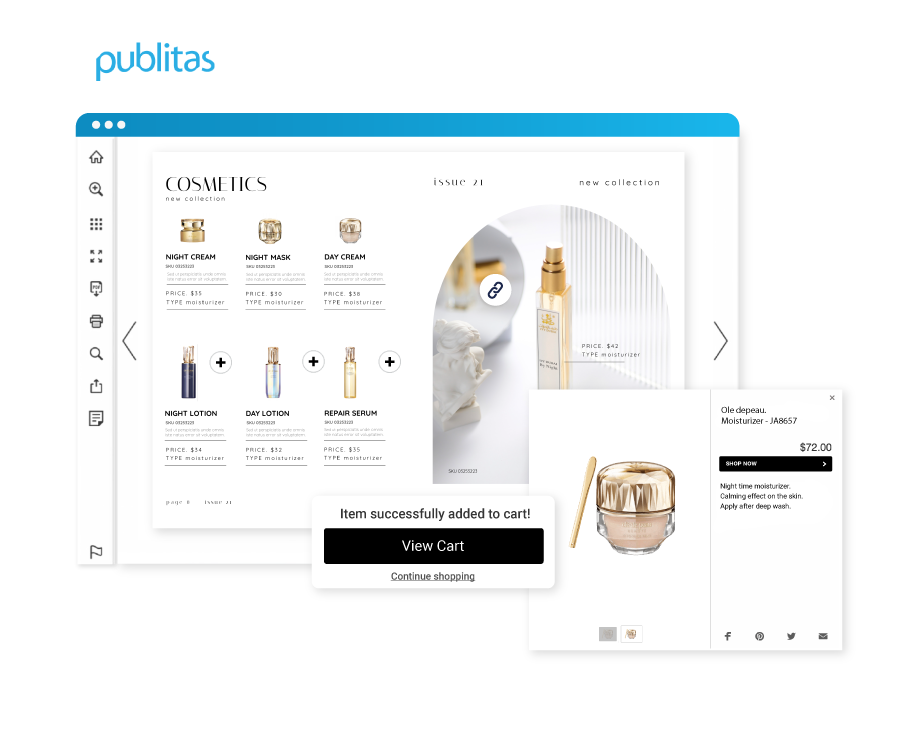
- Shoppable hotspots with add-to-cart; checkout via WhatsApp and email on Enterprise
- Custom domain, white label, and password protection from Silver
- SOC 2 Type II and ISO 27001 listed
- 14-day trial, no credit card
Why Publitas? Feed-based publishing turns a product database into a catalog, so assortment changes reach readers without redesigning pages.
Who is it for? Large retailers and brands with changing assortments.
Where it gives ground: The analytics dashboard is Enterprise only, though Google Analytics 4 works on all plans. Bronze has no custom domain or password protection, and data traffic is capped by tier.
Pricing: Bronze €29/month (€346/year), Silver €98/month, Gold €396/month. Enterprise is custom. No free plan.
Reviews
Capterra: 4.6/5 stars
G2: 4.5/5 stars
7. Catalog Machine: best for small shops syncing products from online stores
Used by: Testimonials from Rock Tunes, Food & Fashion Ltd, and ELC Designs Group. No customer logos listed.
Notable features:
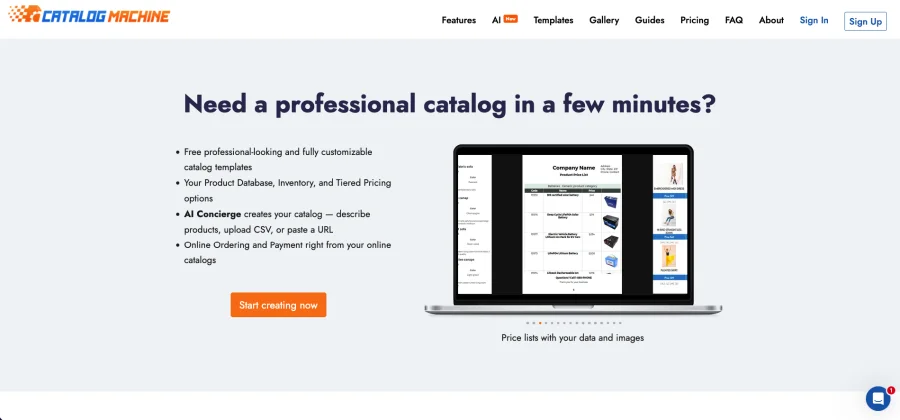
- One-click import from Etsy, Shopify, eBay, Magento, or CSV
- AI catalog builder from text, CSV, or a URL
- 50+ templates with a drag-and-drop editor
- Order form, plus REST API and Zapier
- Web and PDF catalog output
Why Catalog Machine? Import products from your store and publish a catalog the same day, with no design skills.
Who is it for? Small shops and makers that sell on Shopify or Etsy.
Where it gives ground: Analytics stop at view and download counts. Product limits are tight on lower plans (Free: 20 products and 2 catalogs; Lite: 100 products and 5 catalogs).
Pricing: Free, Lite, Pro, and Premium tiers, billed monthly or annually. Capterra lists the entry plan at $19 per user per month; check catalogmachine.com/pricing for current rates.
Reviews
Capterra: 5.0/5 stars
G2: 4.2/5 stars
8. Marq: best for brand-controlled catalog templates
Used by: RE/MAX, Hinge Health, Purdue University, Hotworx.
Notable features:
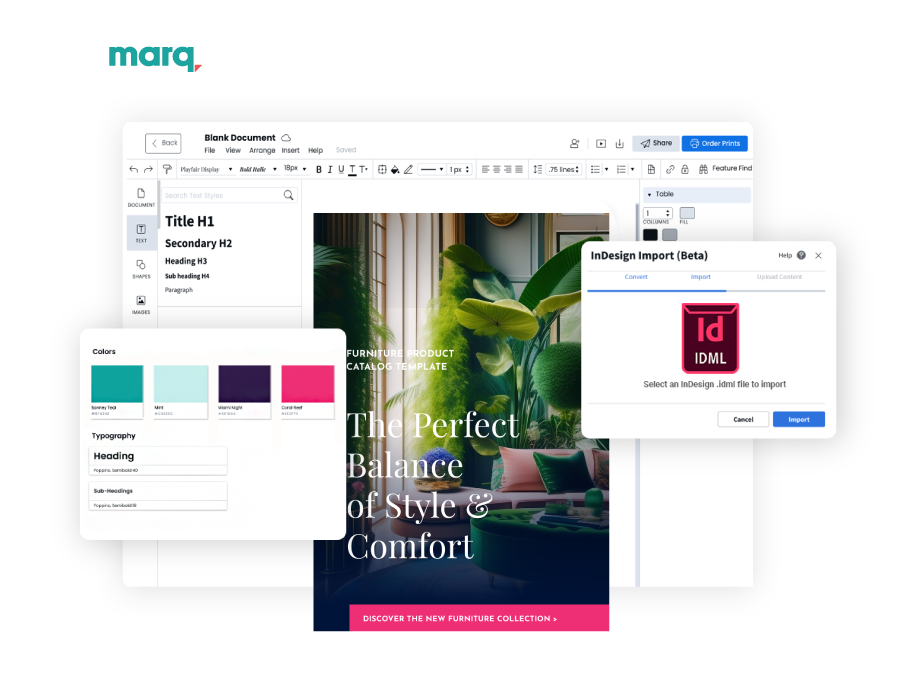
- Brand templates with locked elements
- Data automation from CSV, Google Sheets, XML, or MLS
- Drag-and-drop editor and InDesign import
- Print-ready PDF or web publishing
- Analytics as a paid add-on
Why Marq? Locked templates let regional teams fill in products without breaking brand rules.
Who is it for? Multi-location businesses that need consistent catalogs, not product-feed publishing.
Where it gives ground: No commerce features are listed, analytics cost extra, and web publishing isn’t available on the Free plan.
Pricing: Free. Pro $12/month billed monthly, or $10/month billed yearly ($120). Team supports 2 to 20 licenses; Enterprise is custom.
Reviews
Capterra: 4.5/5 stars
G2: 4.5/5 stars
9. Issuu: best for publishing catalogs to a public audience

Used by: No customers listed on vendor pages. Integrates with Canva, Adobe Express, and Adobe InDesign.
Notable features:
- Upload PDF, DOCX, PPTX, EPUB, or RTF
- Add links, including shopping links
- Digital Sales checkout through Stripe
- Statistics: 30 days on Basic and Starter, all-time on Unlimited
- Teams plan adds logo removal and role-based access
Why Issuu? Public flipbooks can reach readers beyond your own audience, which suits catalogs meant for discovery.
Who is it for? Publishers and brands that want broad reach over private B2B ordering.
Where it gives ground: Product-data import isn’t listed, and Starter caps private flipbooks at 5. Advanced statistics sit on Unlimited.
Pricing: Basic (free), Starter, Unlimited, and Teams. Capterra lists Starter at $19/month; check issuu.com/pricing for current rates.
10. DCatalog: best for B2B catalogs built from product data
Used by: Samsung, Staples, AT&T, Rubbermaid Commercial Products.
Notable features:
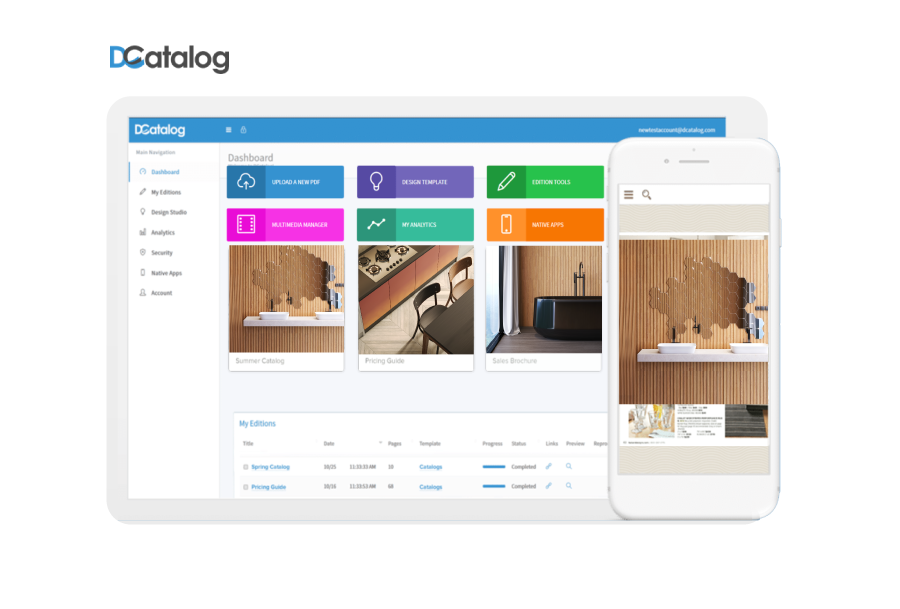
- PDF flipbooks plus catalogs generated from CSV or XML
- Add-to-cart, B2B order forms, and quote requests
- Dashboard with views, searches, click-throughs, geography, and device
- White label, password protection, login-gated embeds, SSO, and SOC 2
- Public API
Why DCatalog? It connects catalogs to product data and ordering, so distributors get quotes and orders from the same pages buyers browse.
Who is it for? B2B manufacturers and distributors with PIM or ERP data.
Where it gives ground: PIM, ERP, and API integrations, automation, and SSO are Enterprise only, according to G2’s pricing page.
Pricing: Select $29/month or $299/year; Elite $49/month or $499/year, both per active link. Enterprise is custom. 7-day trial.
Reviews
Capterra: 4.9/5 stars
G2: 4.5/5 stars
11. Paperturn: best for simple flipbooks with quote carts
Used by: Icelandair, NetJets, Nissan, Siemens.
Notable features:
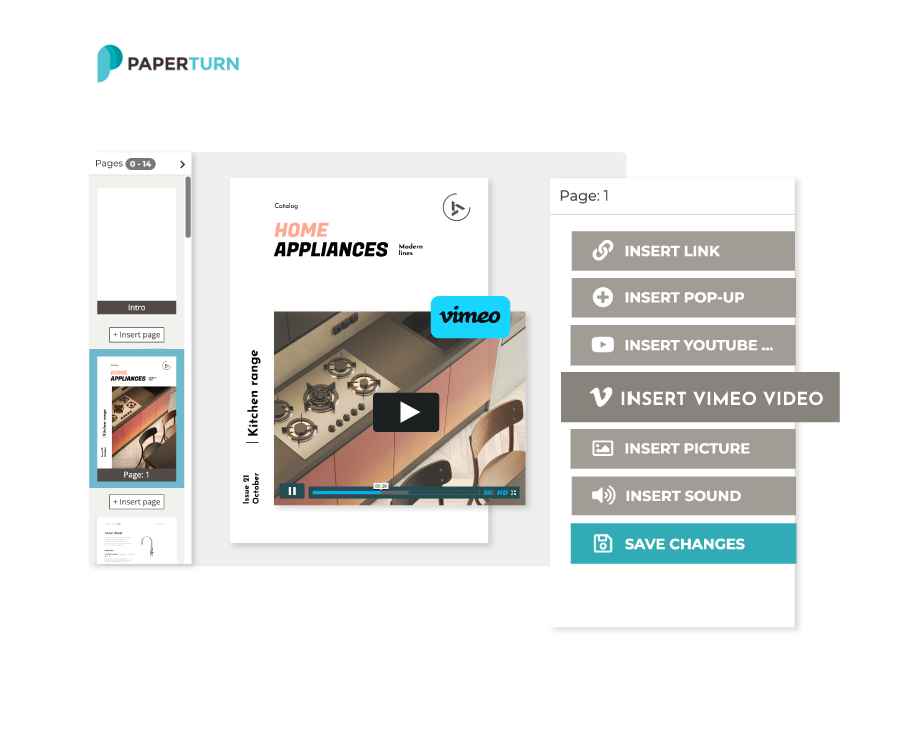
- PDF-to-flipbook with free templates
- Analytics on all plans, with 2 years of history
- Google Analytics 4 from Growth, Google Tag Manager on Business
- Shopping-cart request-for-quote and lead forms on Business
- Bulk linking for product and external links on Business
Why Paperturn? The quote cart collects requests inside the catalog, so sales teams get leads without a separate form tool.
Who is it for? Teams with a finished PDF that need quotes and lead capture.
Where it gives ground: Data import stops at PDF upload, and quote carts and lead forms need Business ($384/month billed yearly). The trial length isn’t listed.
Pricing: Starter $24/month billed yearly ($288). Growth $112/month ($1,344/year). Business $384/month ($4,608/year).
Reviews
Capterra: 4.9/5 stars
G2: 4.6/5 stars
Which digital catalog software wins each category?
| Category | Strongest options | Why |
|---|---|---|
| Design from scratch | Flipsnack, Marq, Catalog Machine | Template editors, not just PDF upload |
| Product data import | DCatalog, Publitas, iPaper, Catalog Machine, Flipsnack | CSV, XML, feeds, or store sync |
| Checkout and ordering | iPaper, DCatalog, Publitas | Baskets, carts, quote lists |
| Analytics | Flipsnack, DCatalog, iPaper | Product-level metrics and heat maps |
| Lowest entry price | Publuu ($7), FlipHTML5 ($12), Paperturn ($24) | Cheapest paid plans listed |
| Free plan | Flipsnack, FlipHTML5, Marq, Catalog Machine | Verified free tiers |
Treat this as a starting point, not a verdict. Price rankings shift once you need a custom domain or analytics history.
Do B2B and B2C buyers need different digital catalogs?
The short answer: Yes. B2B buyers need account-specific pricing, order minimums, and quote requests. B2C shoppers need fast browsing, product tags, and checkout.
For B2B, shortlist DCatalog, iPaper, or Paperturn Business for quotes and orders. For consumer catalogs, Publitas and iPaper keep checkout close to the page.
Flipsnack covers both use cases from one platform. For B2B, trade partners and retailers can send quotes and orders straight from personalized wholesale catalogs, and those orders land in your inbox or CRM. For B2C, product tags, a shopping list, and Shopify buy buttons let shoppers browse and add to cart without leaving the page. Because one master product feed can generate tailored versions, the same product data can power a wholesale catalog and a consumer catalog side by side.
Should you still print your catalog?
Print wins in the room. Digital wins everywhere else. Some procurement teams and trade shows still expect a file or a physical copy, so keep a print-ready PDF alongside the online version. Flipsnack, Marq, and Catalog Machine export PDF or print-ready files, which lets one source serve both.
How do teams use Flipsnack catalogs?
Pot Factory Connect: from 10 days to 24 hours per catalog
Pot Factory Connect is an Australian pottery wholesaler with no warehouse and no showroom, so its catalog has to sell on its own. Building each catalog by hand took days of manual page work.
The team connected supplier data to Flipsnack’s Catalog Generator. Now one automated catalog gives buyers a place to order directly.
“For us, Flipsnack isn’t just our catalog. It’s actually our whole B2B sales system.” Mitch Burke, Pot Factory Connect
- Under 24 hours: catalog creation, down from 10 days
- 900+ products: organized into a single automated catalog
- 1 feed: one update refreshes pricing across the entire catalog
Read the full Pot Factory Connect story →
Which digital catalog software should you choose?
Most tools on this list solve one part of the catalog problem: some are good at feeds, some at checkout, and some at getting a PDF online fast. Flipsnack is built to handle all three in one platform.
Choose Flipsnack if you want one tool for the whole catalog lifecycle. You can upload a PDF and publish it today, or generate hundreds of pages from a spreadsheet with the Catalog Generator. One master feed can produce tailored catalogs for each region, buyer, or product line. Buyers order through shopping lists, Shopify add-to-cart, or WhatsApp, and every price change updates under the same link. Analytics then show which products get clicked, so next season’s catalog starts with data instead of guesswork.
Choose iPaper or Publitas if feed-driven retail and checkout are your only priorities.
Choose DCatalog if ERP and PIM data drive your catalog and you can budget for Enterprise.
Choose Publuu, FlipHTML5, or Paperturn if you have a finished PDF and only need it online this week.
Many teams end up stitching two tools together: a data platform for the master catalog and a flipbook tool for campaign editions. With Flipsnack, the master catalog and the campaign edition come from the same feed, in the same editor, under one login.
A catalog should end with a next step, not the last page. Make sure yours ends with an order.
Frequently asked questions about digital catalog software
It depends on where your product data lives. Flipsnack suits teams that design, publish, and track catalogs in one tool. iPaper and Publitas suit feed-driven retail, DCatalog suits B2B data, and Publuu or FlipHTML5 suit quick PDF flipbooks.
Flipsnack’s free plan includes 5 flipbooks of 15 pages each. FlipHTML5’s free plan allows 5 flipbooks per day but adds ads and a watermark. Catalog Machine’s free tier allows 20 products and 2 catalogs, and Marq has a free plan with limits.
Use software with data import. Flipsnack builds catalogs from spreadsheets through Catalog Generator, DCatalog imports CSV and XML, Catalog Machine imports CSV, and Marq automates layouts from CSV or Google Sheets. Upload the file, map columns to a template, and publish.
Some can. DCatalog lists PIM, ERP, and API integrations on its Enterprise plan, and iPaper’s Horizon builds catalogs from a product feed. Most PDF flipbook tools list no ERP or PIM connection, so confirm before you buy.
Yes. A catalog maker converts a finished PDF or layout into a flipbook. Catalog management software builds and updates catalogs from product data, such as feeds or CSV files. Flipsnack, iPaper, Publitas, DCatalog, and Catalog Machine offer both approaches.
Paid entry plans on vendor pages checked October 8, 2026 range from $7 a month (Publuu) to €295 a month (iPaper). Most flipbook tools fall between $12 and $50 a month, while feed-driven and enterprise plans cost more.
For most teams, yes. A digital catalog updates under one link and shows which pages buyers read, while a PDF freezes the moment you send it. Keep a PDF for procurement systems or print runs that require a file.