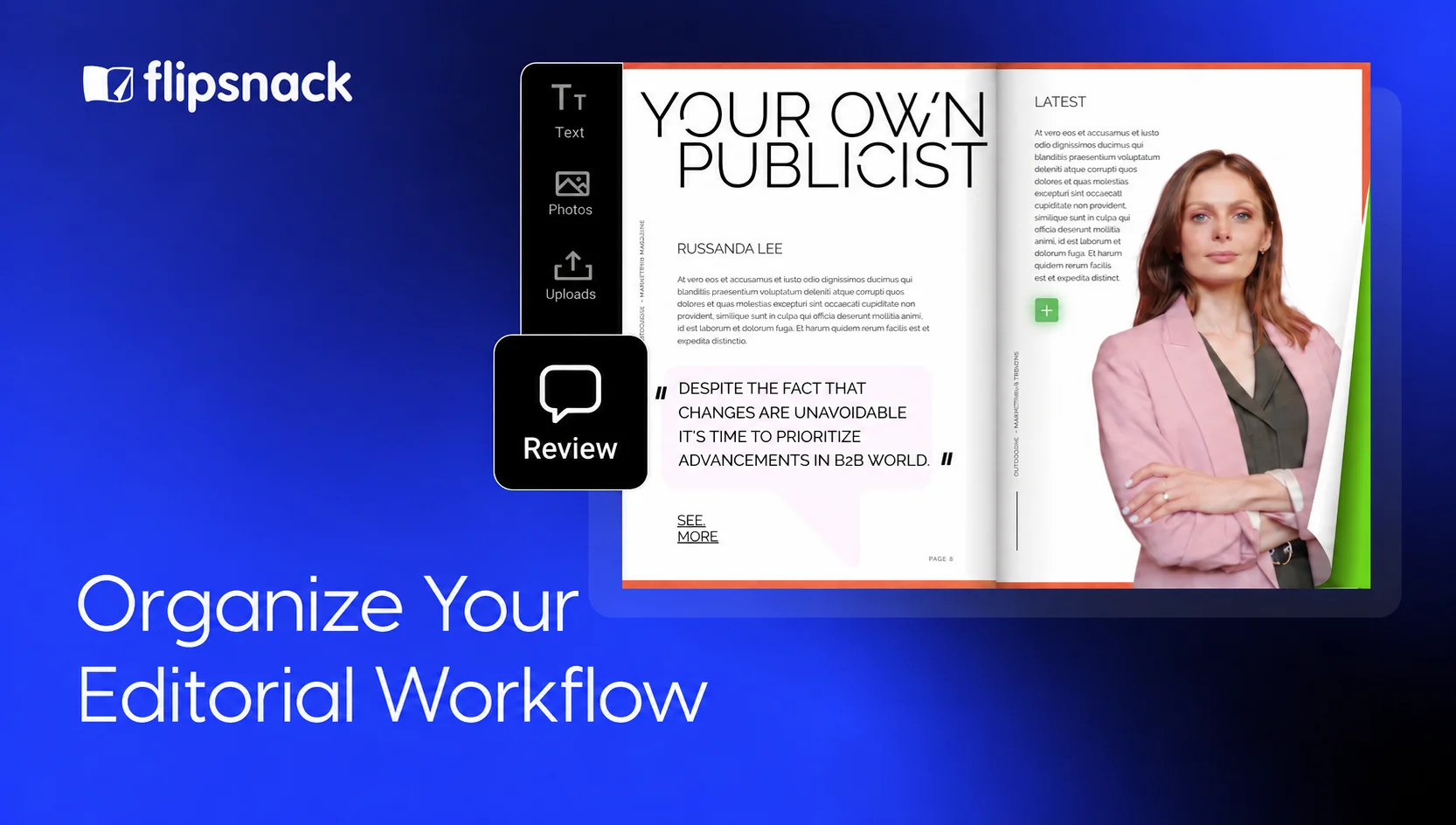
Editorial Workflow: How to Organize Your Magazine Editorial Team
Last updated: October 15, 2026
A writer sends a new draft while the designer works from an old one. A reviewer asks for changes after the pages are approved. The team spends time checking files instead of finishing the issue.
The writing isn’t the problem. The handoffs are. A clear editorial workflow fixes them. Every story gets an owner, a deadline and a review step. Each person knows what to finish before the next one takes over.
This guide shows how to organize the people and handoffs behind your next digital magazine, with practical ways to use Flipsnack from the flatplan to the published issue.
Table of contents
- What is an editorial workflow?
- Define your editorial team roles and responsibilities
- Build your editorial workflow in eight stages
- Assign ownership with an editorial RACI table
- Which tools provide drag-and-drop collaboration features for editorial teams?
- Run your editorial workflow in Flipsnack
- Tips to keep your editorial workflow running
- Build a clear editorial workflow for your next issue
- Editorial workflow FAQ
What is an editorial workflow?
An editorial workflow is the set of stages, owners and approvals that moves content from an idea to publication, so writers, editors and designers know who handles each step.
An editorial process is the work itself: plan, write, edit and publish. The workflow adds the people, deadlines and approvals that keep it moving.
Your publishing workflow should track each story and the whole issue. One feature may be ready for design while another still needs edits. Publish the issue when all required parts have passed review.
Define your editorial team roles and responsibilities
Your editorial team structure depends on what you publish and how often. A fashion title such as Vogue, published by Condé Nast, can have separate fashion and beauty editors. A small team making a monthly employee magazine may have one person covering several of those roles.
Whatever the size of your editorial department, write down what each person owns, even when two people share the work.
Core editorial roles
- Editor in chief: Sets the issue’s direction and approves the content and final layout. An editorial director may oversee the broader strategy across several titles.
- Managing editor: Assigns stories, manages deadlines and runs the editorial workflow.
- Section editor: Guides a subject area and edits stories for structure and clarity.
- Writers and reporters: Gather facts, interview sources and write to the agreed brief.
- Art director and designers: Set the visual style and turn approved copy and images into pages.
- Photo editor: Sources images, checks usage rights and prepares credits and captions.
- Copy or production editor: Checks grammar, facts and style, then reviews the final pages before release.
Roles for digital publishing
Digital magazines may need extra help with video and online content. For a title such as Vox, this could mean a digital editor, audience editor, video producer and content strategist.
Assign these jobs even if you have no separate digital team. Someone needs to plan the topics, prepare videos and share each issue. The same planning applies to a digital newspaper.
Build your editorial workflow in eight stages
Use these stages as a starting point. The example assumes a small magazine team where the managing editor also handles section editing and distribution.
That same editor should decide early how the team will create its digital magazine. Designing in a publishing platform and uploading pages from a design tool need different file handoffs.
1. Plan the issue and choose story ideas
The managing editor collects story ideas and maps the issue on a flatplan, with the story order, page count, image needs and space for ads.
The editor in chief approves the issue’s focus and story list. From then on, writers and designers work from the same plan. The managing editor also sets the statuses the team will use, such as Draft, In review and Approved, and updates them as each story moves.
2. Brief and assign each story
The managing editor writes a brief for each story with the angle, audience, word count, sources, image needs and deadline. The brief also names the writer and the reviewer.
The managing editor sets separate dates for the first draft, the edit and the layout. That way, each writer knows where to submit the draft and who receives it next.
3. Draft the content and gather images
Writers prepare the copy and keep their source notes with it. In parallel, the photo editor gathers image files, captions, credits and usage details.
When the draft is ready, the writer sends it to the managing editor with any open questions. The writer also marks missing facts or images, so the editor can sort them out before design.
4. Edit the copy before layout
First, the managing editor makes sure the story says what the brief asked for. Then the copy editor checks the details: facts, names, numbers, grammar and house style.
The writer fixes what both editors flag, and the managing editor approves the final text before design starts. After that, any text change goes through the managing editor, because one new paragraph can move the whole layout.
5. Design the pages
The designer builds the issue from approved copy and images. Shared page styles and brand assets keep each section looking the same from one issue to the next.
For digital issues, the designer leaves space for interactive elements, such as videos and links. The result is a complete layout, ready for review.
6. Review and approve the issue
The managing editor collects feedback on the latest layout and sets the review order: content first, then brand or legal needs. The editor in chief approves the issue last.
Reviewers get a deadline and attach their feedback to the right page. Before the designer makes the agreed changes, the managing editor sorts out requests that clash.
Once the changes are in, the managing editor records the approved version and its date, so version control stays simple. That release copy stays separate from drafts that are still changing.
7. Check the final pages
The copy editor runs a preflight check with the checklist below. The managing editor then confirms that the final copy, page order and access settings are ready for release.
If the check finds an error, the copy editor sends it back to whoever owns that task. Any changed content gets reviewed again before the issue goes live.
8. Publish and distribute
In the final stage, the issue has passed its checks and has its approval. The managing editor releases it or passes it to the named publisher. For print, that means sending the final files to the printer, and for digital, publishing and sharing the issue.
The distribution plan covers email, website and social media tasks. If you publish on a fixed schedule, keep the recurring tasks in a separate plan so you can later automate digital magazine publishing.
Assign ownership with an editorial RACI table
A RACI table shows who does the work and who owns each stage:
- Responsible (R): Does the task.
- Accountable (A): Owns the outcome and checks that the stage is done.
- Consulted (C): Gives input before the work is done.
- Informed (I): Receives updates.
This sample uses five roles. The managing editor covers section editing and distribution. Add separate roles if your team assigns those tasks to other people.
| Stage | Editor in chief | Managing editor | Writer | Designer | Copy editor |
| Plan the issue | A | R | C | C | I |
| Brief and assign | I | A/R | C | C | I |
| Draft | I | A | R | C | I |
| Edit | I | A/R | C | I | R |
| Design | I | A | C | R | C |
| Review and approve | A | R | C | C | C |
| Final checks | I | A | I | C | R |
| Publish and distribute | I | A/R | I | I | I |
Give each row one accountable owner. Several people can do the work. Everyone should know who decides when it is ready for the next stage.
Which tools provide drag-and-drop collaboration features for editorial teams?
Flipsnack, Magazine Manager, WoodWing Studio and Approval Studio offer drag-and-drop features for different stages. Madmagz is another option for assigning magazine pages to collaborators. Compare what you need to move or edit: page content, the flatplan, workflow files or review tasks.
| Tool | Collaboration use | Design or drag-and-drop use | Best fit |
| Flipsnack | Page comments, team roles, version history and digital publishing | Place text, images and interactive elements in Design Studio | Teams designing and publishing digital magazines |
| Madmagz | Editors assign pages and manage collaborators | Arrange fixed template pages with flatplan controls | Small teams creating magazines from shared templates |
| Magazine Manager | Connects production planning with ad inventory | Move ads and editorial content within a flatplan | Publishers coordinating ad sales and issue production |
| WoodWing Studio | Assigns content and manages workflow statuses | Move files into tasks or layouts within its publishing setup | Teams coordinating print and digital content with Adobe tools |
| Approval Studio | Collects annotations, revisions and approval records | Upload review files and move project cards between dashboard columns | Teams managing design review and formal signoff |
Choose a tool for the stage you need to improve. Page design, ad planning and proofing each need different tools. Check user limits, roles and review options before choosing software for your team.
Run your editorial workflow in Flipsnack
Use Flipsnack for page design, feedback and digital publishing. Keep story briefs, assignments and deadlines in the planning tools your team already uses.
1. Organize the workspace and team access
The managing editor can set up a separate workspace when a publication needs its own team, files and brand assets. Flipsnack’s collaboration tools for editorial teams keep the magazine, brand assets and page feedback in one place.
Each person gets a role based on what they need to edit and publish. The RACI table records who owns each task, while account permissions control what each person can do in Flipsnack.
2. Create or upload the issue
The designer starts with magazine templates or uploads a finished PDF. In Design Studio, they place text, images and interactive elements on the pages.
To change the original text in a supported vector PDF, the designer can use Edit PDF, currently in beta. It converts the file into editable elements. With a regular PDF upload, the designer edits the source file and replaces the PDF, then reviews the changed pages before release.
3. Collect feedback and record approval
Reviewers leave comments on the exact part of a page in Design Studio. The designer makes the agreed changes, and the managing editor records final approval in the team’s review system.
If a writer or freelancer builds pages, the managing editor can give them the Contributor role. Contributors can create and edit their own flipbooks, but only an Owner, Administrator or Editor can publish them. They send the issue with Ask for review, and it stays in Pending review until an approver publishes it.
Flipsnack’s version history lets people with editing permissions restore saved versions from the past three months. Whoever restores a version checks those pages again before publishing.
4. Publish, share and measure
Before release, the managing editor chooses the right privacy options. A hosted digital magazine gives readers a link you can share through your chosen channels. Updates to the same flipbook keep that share link.
Once the issue is live, the team can use reader statistics to review views, clicks and time spent. What they learn goes into the next issue’s plan.
We’ve prepared a short video to make the team setup easier. It shows how to add teammates to your workspace and give each one a role.
Tips to keep your editorial workflow running
Once the workflow is in place, three habits keep it working from one issue to the next.
Plan your editorial calendar around the publishing date
Work backward from the release date. Allow time to gather facts and images, write drafts and make changes. Leave a buffer before the issue goes live.
This sample calendar covers a monthly issue made over four weeks. Adjust it for the size of your team and the work each story needs.
| Week | Main work | Coordinator | Output |
| Week 1 | Choose ideas, plan pages and assign briefs | Managing editor | Approved issue plan and story briefs |
| Week 2 | Write drafts and gather images | Managing editor | Drafts, source notes and image files |
| Week 3 | Edit copy and design pages | Managing editor | Approved copy and a complete layout |
| Week 4 | Review, approve, check and publish | Managing editor | Approved issue, final checks and distribution |
For weekly digital newsletters, plan the same handoffs across days. A larger monthly magazine may need work on several issues at once.
Keep regular sections and deadlines in the calendar. Decide who you want to reach, which themes to cover and how often to publish when you plan to run an online magazine.
Run a prepublish checklist before every issue
Use a manual checklist before release. Name the person who will do the checks and record when they are done.
- Check names, titles, facts, numbers and dates against sources.
- Confirm image rights, credits and captions.
- Check page order and the table of contents.
- Preview the issue on desktop and mobile.
- Test every link, button, video and form.
- Review accessibility, including image descriptions and text contrast.
- Confirm the audience and access settings.
- Check that the approval matches the final version.
If you publish in print and digital formats, review both release files. For print, check bleed, image quality and what the printer needs.
Audit your editorial workflow every quarter
Run regular self-audits to find where work waits or needs more changes. Check which stages missed deadlines, which reviews arrived late and whether people used the right files.
Let your newest teammate lead the walkthrough. The managing editor can explain the process as they go. Their questions may reveal steps the rest of the team takes for granted.
Update the workflow when roles change. A calendar or RACI table should show how your editorial staff work today.
Build a clear editorial workflow for your next issue
A good editorial workflow comes down to one owner per stage, one current file and an agreed review order. Flipsnack keeps that file in one place, from the flatplan to the published issue.
Your designers build branded pages, reviewers comment on the exact spot that needs a change and the managing editor publishes under one link that stays the same after every update.
Create your next issue with Flipsnack for free and invite your team when the first issue is ready for review.
Clear owners make fast issues.
Editorial workflow FAQ
An editorial team plans, creates, edits and approves content for a publication. Its members may handle writing, design, image sourcing and distribution.
The managing editor handles assignments, deadlines and daily production. The editor in chief sets the editorial direction and gives final editorial approval. Small teams may combine both roles.
The hierarchy varies by publication. The editor in chief usually leads editorial decisions, while the managing editor coordinates daily work. Section editors oversee subject areas, with writers and copy editors contributing at different stages.
A magazine editorial process can include planning, briefing, drafting, editing, design, review, final checks and publication. Teams can adapt these stages to their format and schedule.
Combine roles where needed, but give each stage one accountable owner. Use a shared calendar, one current draft per story and a named final approver. Record approval before publishing.